Welcome to Computech Store | Cash on Delivery (COD) ❌ Not Available | Flexible EMI Finance Options Available | Shipping All Over India | B2B Billing Available | 100% New Genuine & Original Products
DESIGNED FOR SIMPLICITY: Just plug in a USB cable and the power cord to print. Fit thermal transfer label rolls with standard 12.7mm or 25.4mm core, max diameter of 127mm, and max media width of 112mm.
QUALITY PRINTING: With a choice of 203 dpi or 300 dpi print resolution and a speed up to 6in/sec, this Energy Star-qualified 4-inch barcode printer keeps pace with your business and your workflows.
IMPROVED PRODUCTIVITY: Supports a 300 m ribbon roll for a higher volume of printing of prescription, specimen, IV bag and food information labels to patient ID wristbands and packing slips and more.
COMPLIMENTARY SOFTWARE: Easily set up and configure the ZD230TA via the Zebra Setup Utility. Design your own labels via the user-friendly ZebraDesigner Essentials software. Both are downloadable from zebra.com.
ROBUST MEMORY CAPACITY: Equipped with 8 MB of Flash memory and 16 MB SDRAM, ensuring efficient and swift processing for all your printing tasks.
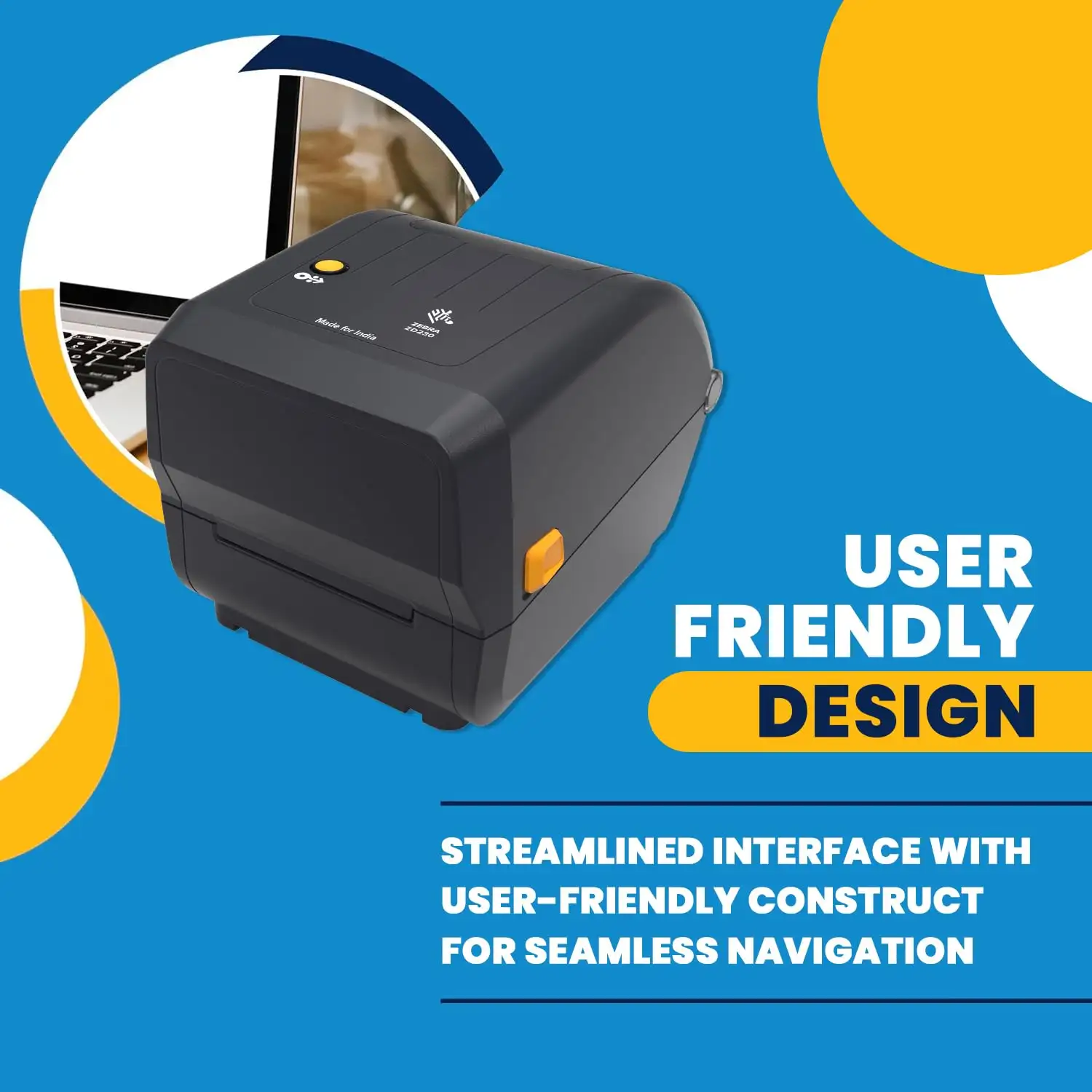
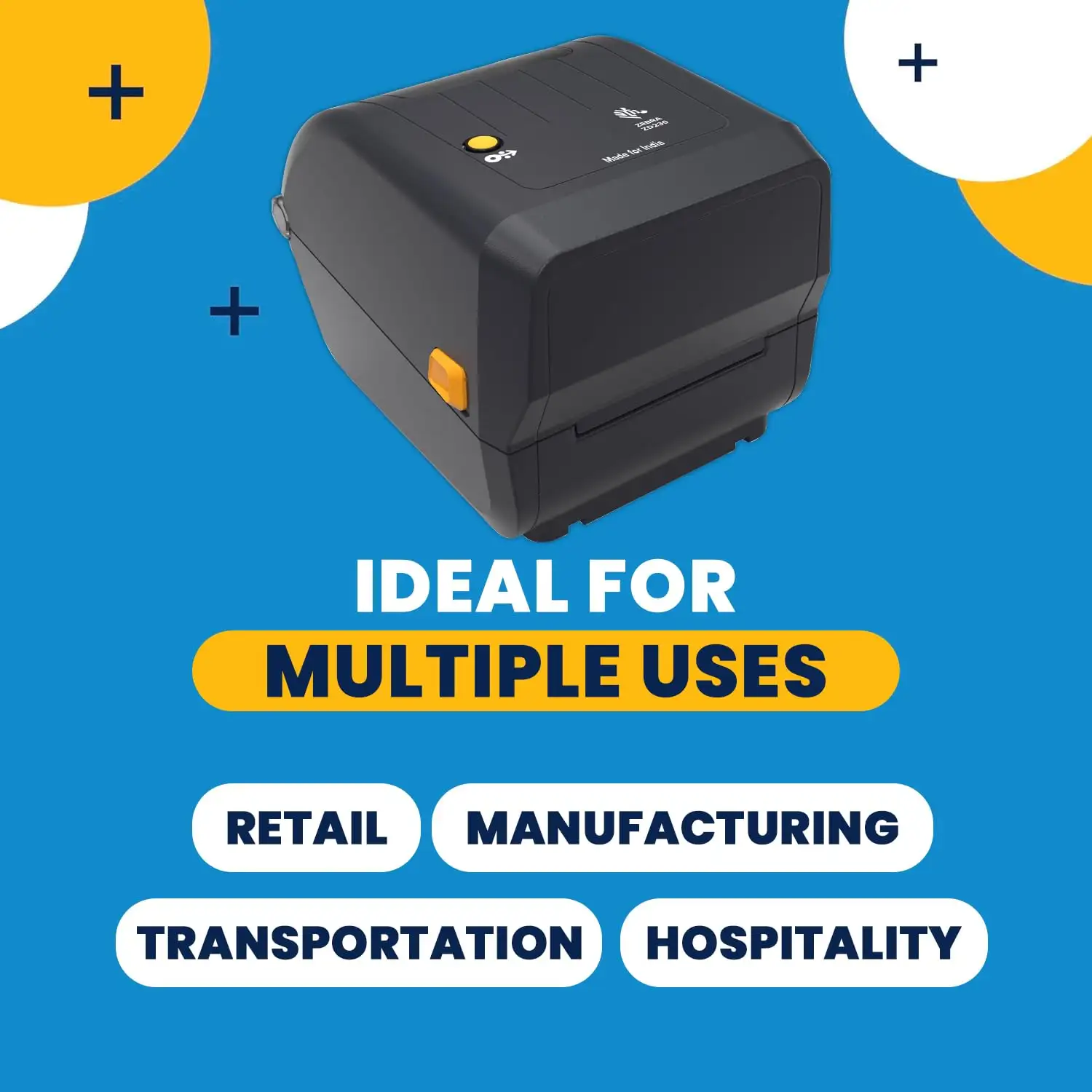
The Zebra ZD230TA Desktop Label Printer is a compact solution. The printer is designed to meet all your label printing needs. Ryans Computers is offering this printer to ensure high-quality output for a variety of label types. If you want to print the shipping labels, barcode labels, or product labels, the ZD230TA can be the best. They deliver consistent, clear, and sharp prints.
Benefits and Features of Zebra ZD230TA
The printer is capable of printing labels up to 4 inches wide (104mm). They also provide flexibility for various label sizes. The 203dpi resolution ensures clear and readable labels. They are ideal for barcodes, shipping labels, and product tags. This label printer is designed to meet the demands of busy office or warehouse environments. The Zebra ZD230TA is perfect for both beginners and experienced users. You will get fast print speeds with this label printer.
How Does the Zebra ZD230TA Compare to Other Label Printers?
If you compare this label printer with others, the Zebra ZD230TA can be the best. They are a perfect combination of durability, efficiency, and affordability. The ZD230TA offers a balanced mix of quality and price. Its wide compatibility with different media types and ease of use make it an excellent choice for businesses looking for a hassle-free, reliable printer.
How to Maintain the Zebra ZD230TA Desktop Label Printer
To keep your Zebra ZD230TA label printer in top condition, follow these maintenance tips:
Clean Regularly: Dust and debris can affect print quality. So, you have to clean the printhead and rollers regularly.
Proper Storage: You have to store the printer in a dry, dust-free area. It helps to prevent wear and damage to the internal components.
Use Genuine Zebra Labels: If you want to get the best quality, you should use Zebra-approved labels and ribbons.
Update Firmware: Another important thing is its firmware. You should keep your printer’s firmware up to date to take advantage of any performance improvements or bug fixes.