Compare
Products
Products

No reviews yet. Be the first to review!



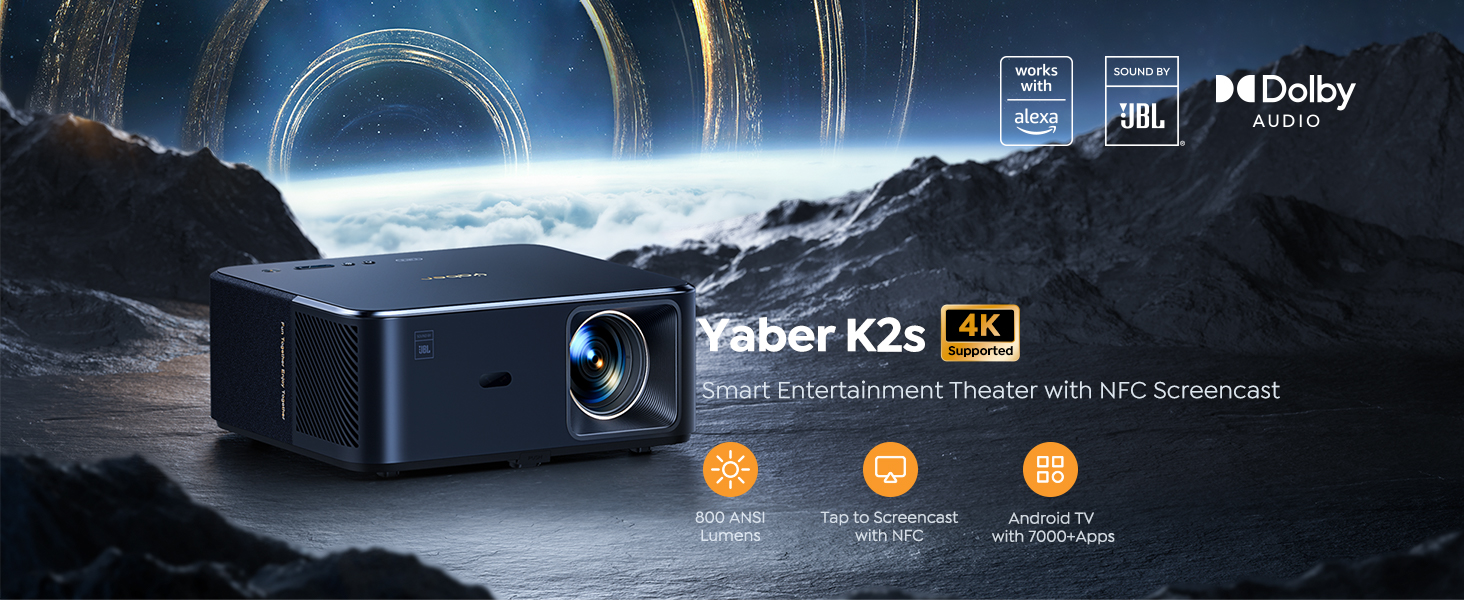
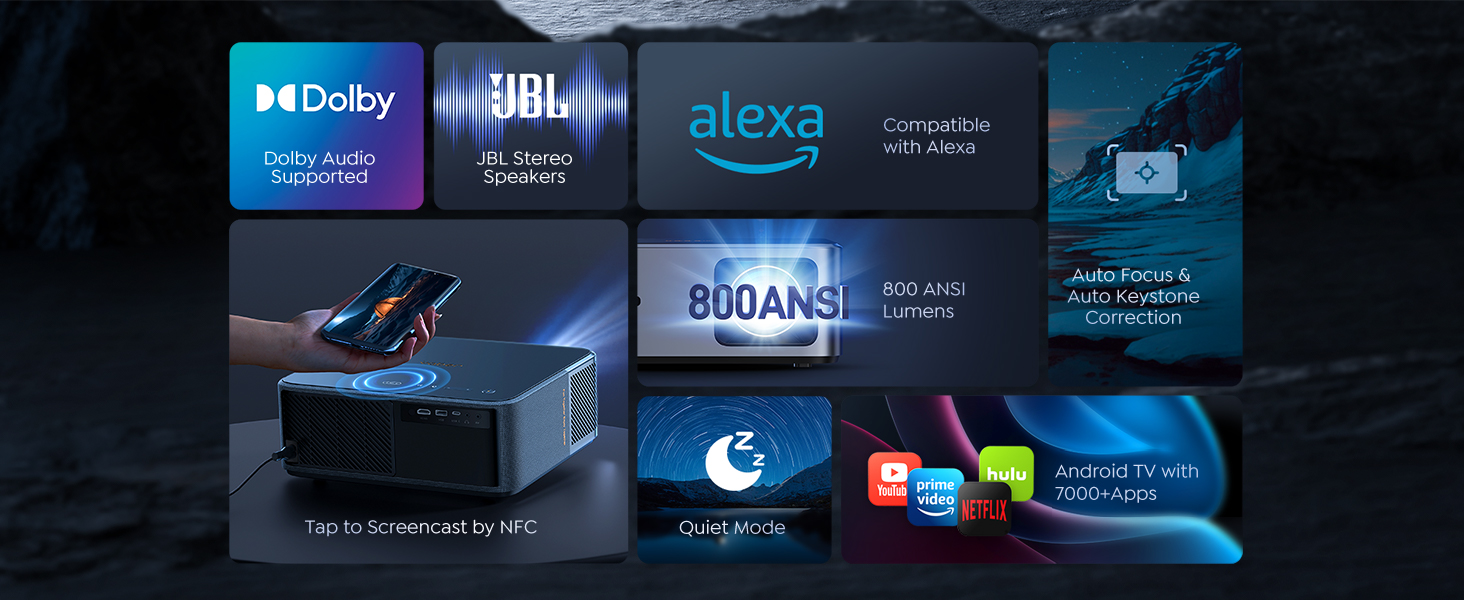
You can control this projector, access your favorite apps and content, and even adjust the volume or switch signal source without having to leave your seat, making it the ultimate hands-free entertainment solution.
*Note: Alexa voice control only supports English
K2s smart projector offers seamless connectivity and convenience, allowing users to instantly share their content from their NFC-enabled device with just a simple tap, making it the ultimate solution for hassle-free and quick presentations or impromptu movie nights.

The auto focus and keystone correction capabilities of the K2s eliminates the need for manual adjustments, ensuring that images are always in perfect focus and alignment, making it perfect for movie nights where you just want to sit back and relax.

Say, “Alexa, switch to HDMI on projector” or “Alexa, open Netflix on projector,” to switch signal source with one command,or use your voice to turn your volume up and down. * For Alexa voice commands, please refer to the attachment document.
Bothered by multiple remotes ? Turning on the HDMI CEC option will help you out! It allows you to use one remote to control multiple HDMI devices, such as the Amazon Fire Stick/Ruko stick.(Notice: HDMI CEC needs to be turned on for all devices. )

K2s smart projector allow you to instantly share their content from NFC-enabled smartphone with just a simple tap, making it the ultimate solution for hassle-free and quick presentations or impromptu movie nights.
* Download app and connection to the same wifi network required.App can turn your phone into a remote.
The auto focus and keystone correction capabilities of the K2s eliminates the need for manual adjustments, ensuring that images are always in perfect focus and alignment, making it perfect for movie nights where you just want to sit back and relax.

Stream the entertainment you love from your phone, tablet or laptop to k2s projector on the big screen.Recommended projection size 40-200 inches.

With its 1080p 60 Hz display resolution and 800 ANSI Lumens brightness, Yaber K2s smart projector delivers stunningly clear and vibrant images, making it perfect for a range of applications from home entertainment to business presentations.
With the ability to project a 40" to 200" projection size, Yaber K2s smart projector offers the flexibility to adjust to different room sizes and viewing preferences, providing a customizable and immersive viewing experience that can be tailored to fit any occasion, making it perfect for both small and large gatherings.
The dual 10W JBL stereo speakers with Dolby Support deliver high-quality sound that complements its stunning visuals, providing an immersive and cinematic experience and powerful audio.

Adopting innovative cooling system allows for low-noise operation in different scenarios. When the One-button Quiet Mode is turned on, the noise is 25% lower than other brands and saves 40% energy. The operation noise does not exceed 28 dB as if in a quiet library.
*Note: When Quiet Mode is activated, the brightness will be 60% of the original.
YABER
Bluetooth|Wired|Wireless
6.97571E+12
Normal
1 Year
YABER K2s FDH
1 kg
N/A