Internal vs. External
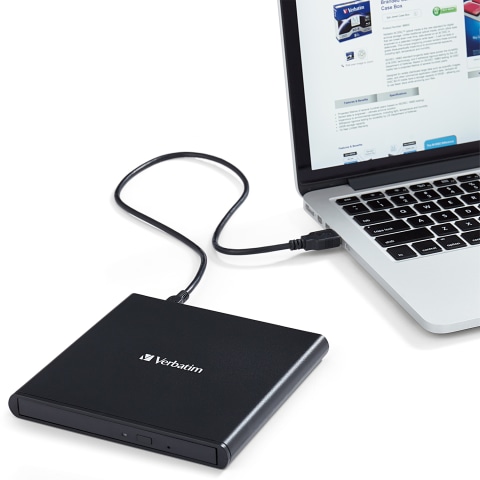
Optical drives can either be internal or external, and it’s an important choice when deciding which optical drive to buy. Internal drives are actually placed inside your computer, connected via an IDE or SATA port. Internal drives are usually more affordable and have higher read/write speeds. However, installation can be difficult and for some laptops, impossible, given the ultra-slim profile of some newer models.External drives, on the other hand, exist outside of your computer and connect to your computer via a USB or FireWire port. They can either pull power from your computer itself or from a separate power outlet. Typically, they are more compact, more portable, and can fit easily into a laptop bag. However, due to external connectivity, they may have slightly lower read/write speeds compared to internal drives.