The
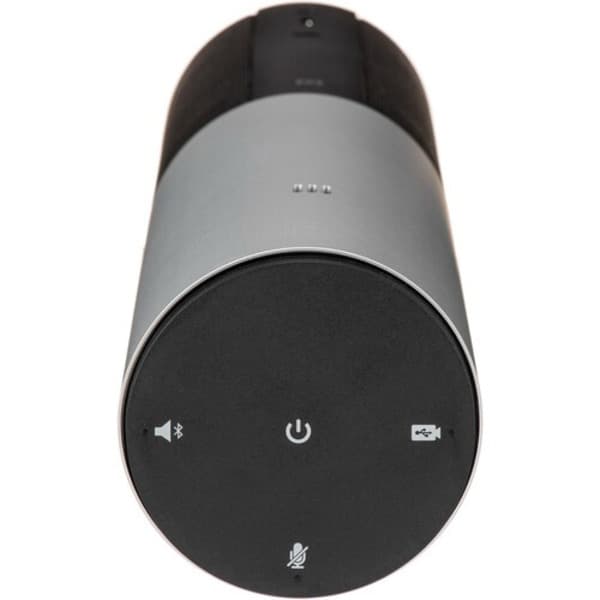
Logitech ConferenceCam Connect also works as a Bluetooth speaker for phone calls made with your smartphone. You can pair it to your phone, make a call with the phone, and the ConferenceCam Connect will work as a speakerphone for that call so that everyone in the meeting room can hear and participate in the call. The speakerphone features omnidirectional full-duplex mics with noise and echo cancellation to ensure optimal sound quality for your video conferences and audio calls.
The Logitech ConferenceCam Connect comes with a power adapter for continuous power, but it also has a built-in battery that allows up to three hours of video calls or 15 hours of audio calls. The long-lasting battery lets you set up a conference nearly anywhere on the fly, and it's rechargeable in about three hours when idle.
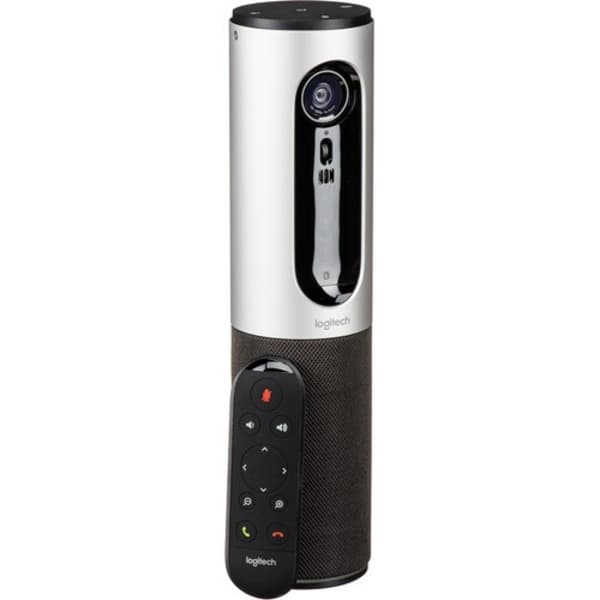
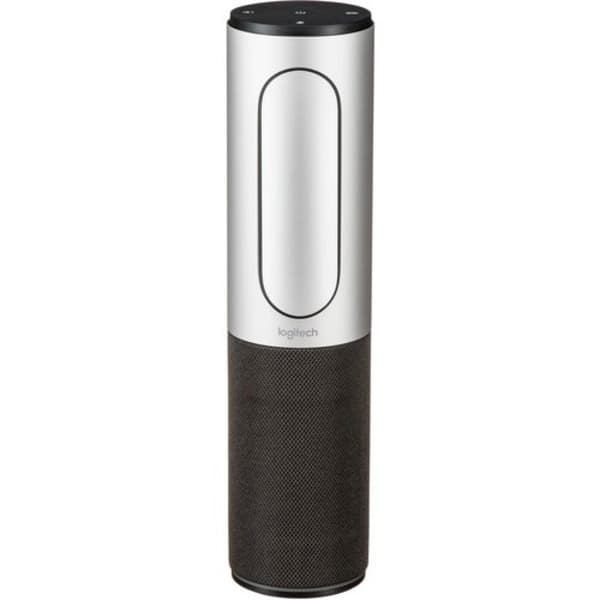
The Logitech ConferenceCam Connect also offers digital pan and tilt adjustments and 4x digital zoom. You can also manually tilt it via a small wheel under the lens. A remote control is included that operates digital pan/tilt/zoom and lets you answer and disconnect from audio calls from up to 10' away. When not in use, the remote can be magnetically docked to the ConferenceCam, attaching flush right over the lens of the camera. The Logitech ConferenceCam Connect works with most UC and video conferencing platforms, including Microsoft Lync, Skype for Business, Skype, Cisco Jabber, WebEx, Zoom, BlueJeans, Broadsoft, LifeSize Cloud, Vidyo, and more.
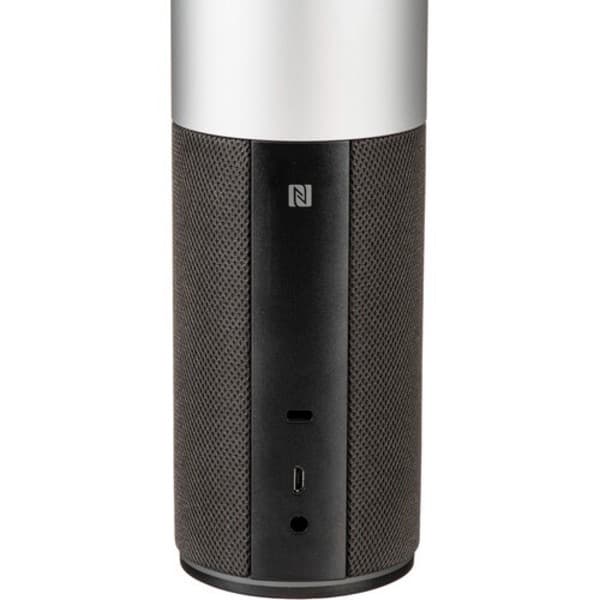
For security in public spaces, the ConferenceCam Connect offers a Kensington lock slot to protect from theft. The ConferenceCam Connect can be set on your desktop right out of the box, or you can use optional wall and table mounts from Logitech as alternative mounting solutions.