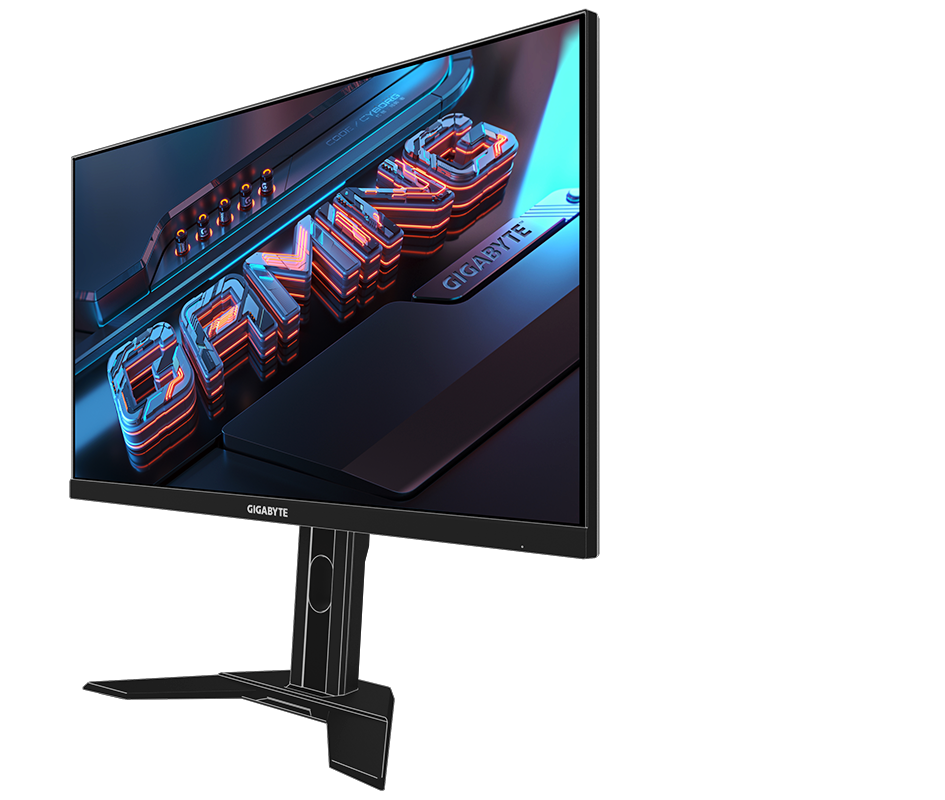
The
Gigabyte M27QA also provides lifelike graphics with 10-bit color and high-dynamic range support, which enhances images with realistically bright highlights and deep shadows. Connect your device through the HDMI and DisplayPort inputs, or use the USB-C connector to transfer video, data, and up to 10W of power over a single cable with compatible laptops. You can connect peripherals to your computer through the monitor using the USB 3.2 Gen 1 hub and use the built-in KVM to switch control between multiple devices using a single mouse and keyboard.
Timer:
An onscreen timer will assist you with tracking the elapsed game time.
Counter:
The gaming counter will help you calculate the time more easily.
Crosshair:
This allows you to customize crosshairs that help improve your aim in the shooting game.
Alignment:
The display alignment function will facilitate the creation of a multi-display setup, so monitors will line up seamlessly.
Aim Stabilizer Sync:
This upgrade allows you to simultaneously reduce motion blur and enable V-Sync technology.
Dashboard:
Reveal real-time hardware information, including CPU voltages, clock speed, and temperatures.
PIP/PBP:
The PIP and PBP functions allow users to view different video sources that are presented in one screen at the same time.