Feature
- Supports Intel® Core™ Ultra processors (Series 2)
- Hybrid 4+1+2 phases VRM solution
- EZ-Latch: PCIe x16 Slot with Quick Release Design
- Friendly UI: Multi-Theme and Q-Flash Auto Scan in BIOS and SW
- Next Generation Storage: PCIe 4.0 x4 M.2 Connectors
- Fast Networking: GbE LAN
- Extended Connectivity: HDMI
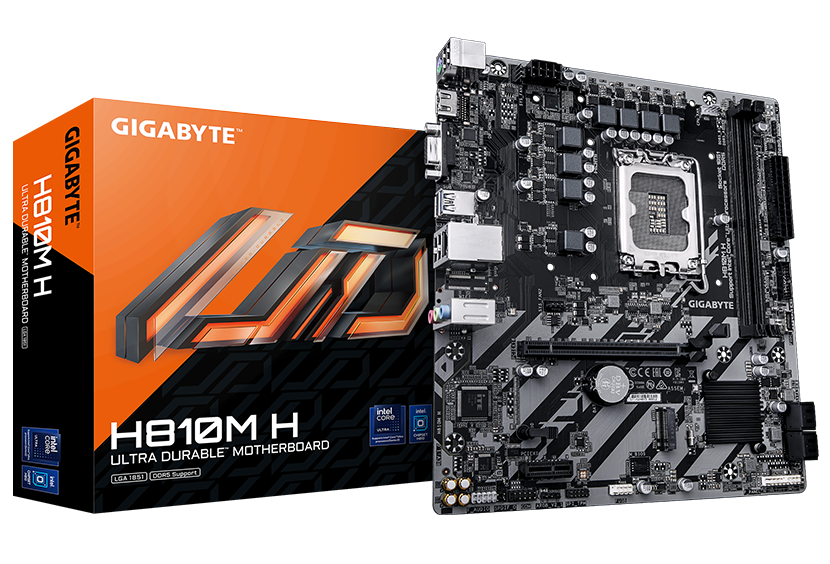
Durable Performance
GIGABYTE Ultra Durable™ motherboards built with optimal components inside out provide the prime performance and timeless platform.


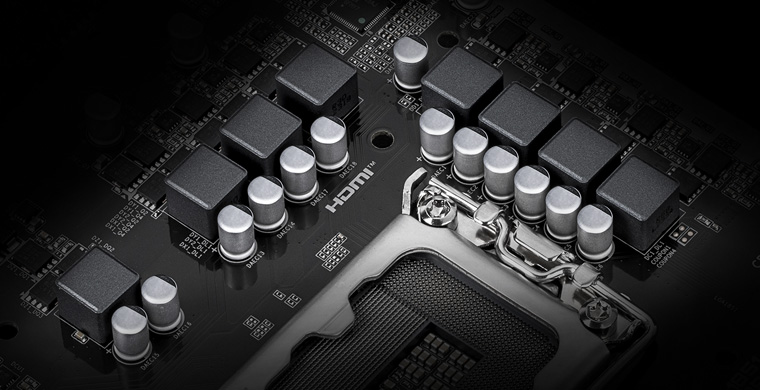
Hybrid VRM Design
4+1+2 Phases Hybrid PWM
Support the latest CPUs, and deliver enhanced system performance and ultimate hardware scalability.
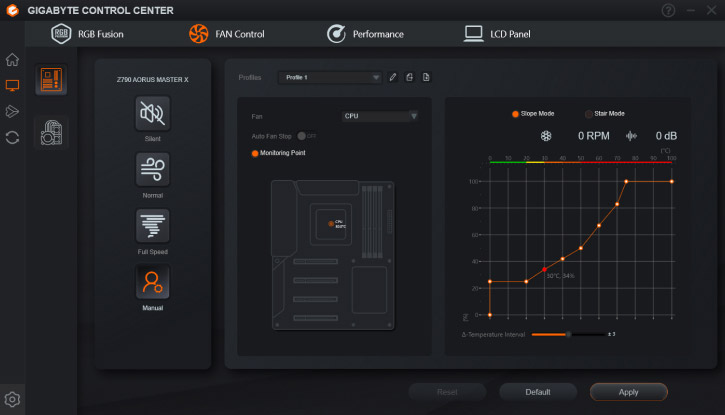
Smart Fan 6
Cool. Quiet. Customized.
Superior cooling performance and whisper-quiet operation for your gaming rig.


High Current Support
- Supports both PWM and DC fans, plus water cooling pumps
- Up to 24W (12V x 2A) capacity per fan header
- Built-in over-current protection
Precision Control
- Multiple temperature and fan speed points
- Customizable fan curves for optimal performance
Dual Curve Mode
- Choose between slope and stair modes
- Tailor cooling to your specific needs and preferences
Fan Stop Technology
- Fans can be completely turned off at low temperatures
- Ensures silent operation during light loads
Future Connectivity
The ultimate connectivity with blazing data-transfer speeds through the next generation network and storage.
GbE LAN
GbE LAN features a network bandwidth management application which helps to improve network latency and maintain low ping times to deliver better responsiveness in crowded LAN environments.

PCIe 4.0 Hardware Design
Featuring PCIe 4.0 x16 slot and PCIe 4.0 M.2 slot support, GIGABYTE Motherboards are ready to work with the PCIe 4.0 devices to provide the superior performance.
Hi-Fi Audio
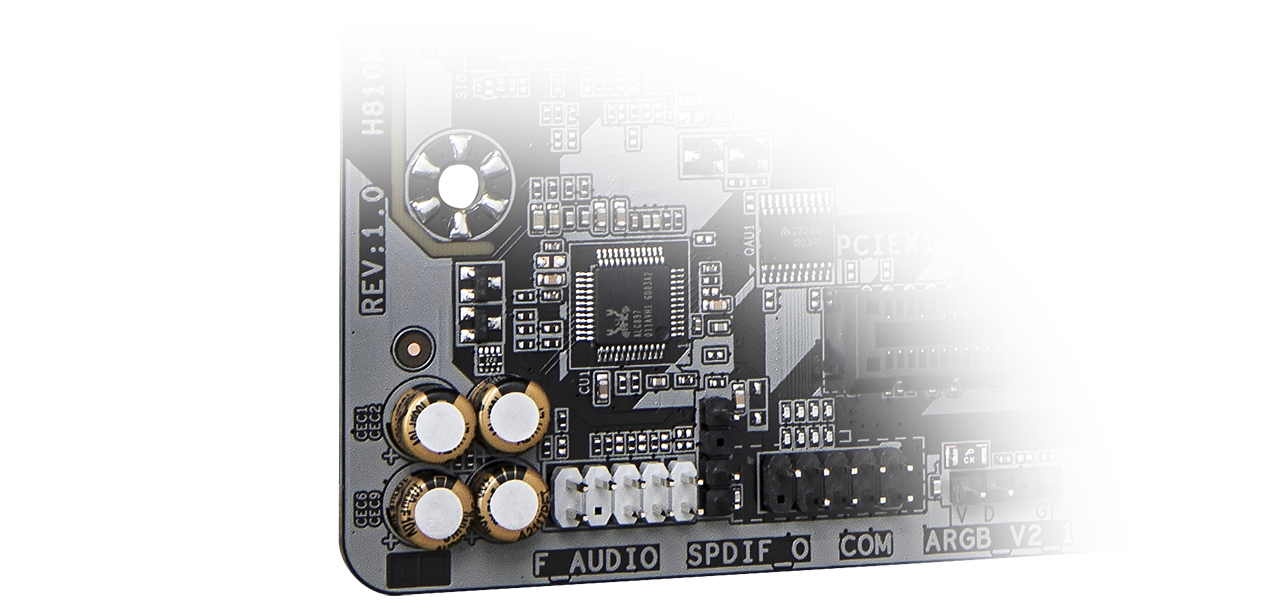
High-End Audio Capacitors
These high quality capacitors help deliver high resolution and high fidelity audio to provide the most realistic sound effects.
Audio Noise Guard
Essentially separates the board’s sensitive analog audio components from potential noise pollution at the PCB level.
Easy Friendly
Innovative and intuitive hardware, software, and BIOS interface design to create your personal style.
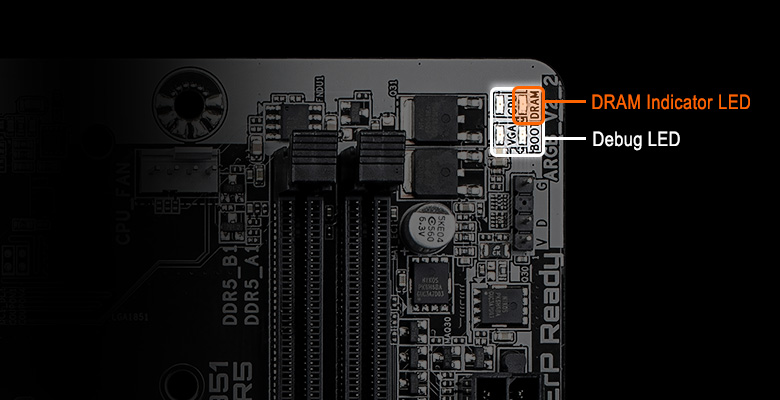
Optimal DRAM Installation Indicator
The DRAM Indicator LED will turn on when a module is installed into a non-recommended slot.
EZ Debug Zone
Centralized debug LEDs and control buttons provide a handy and organized troubleshooting process when building a new computer.
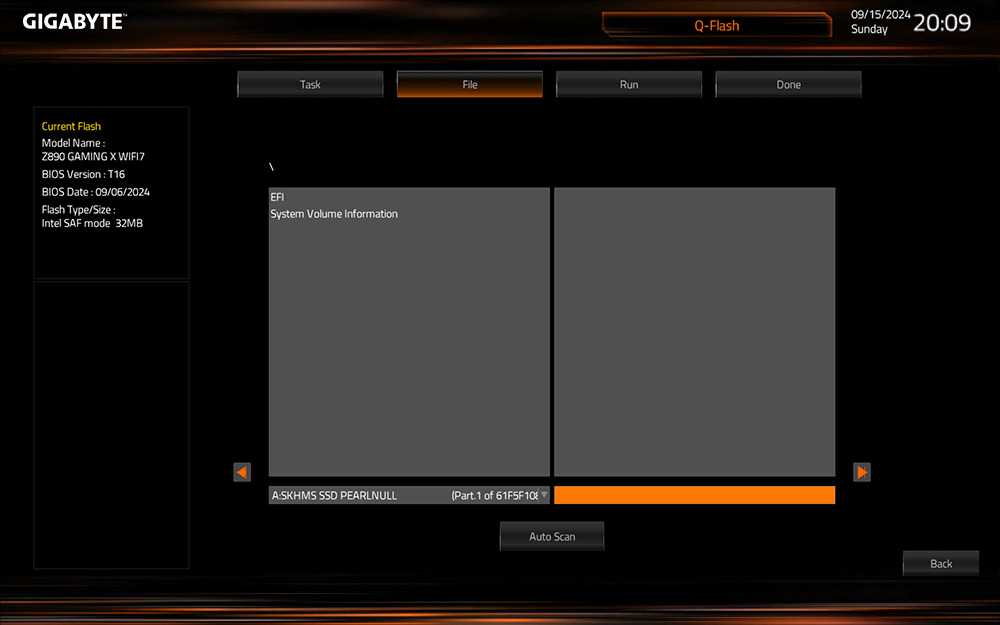
Q-FLASH Auto Scan
The new Auto Scan function featues when using USB flashdrive during Q-Flash, the BIOS file will be auto scanned instead of searching manually.



