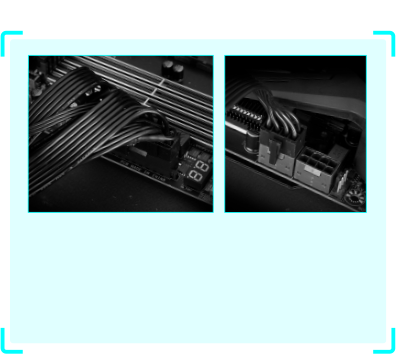
OUTSTANDING THERMAL DESIGN
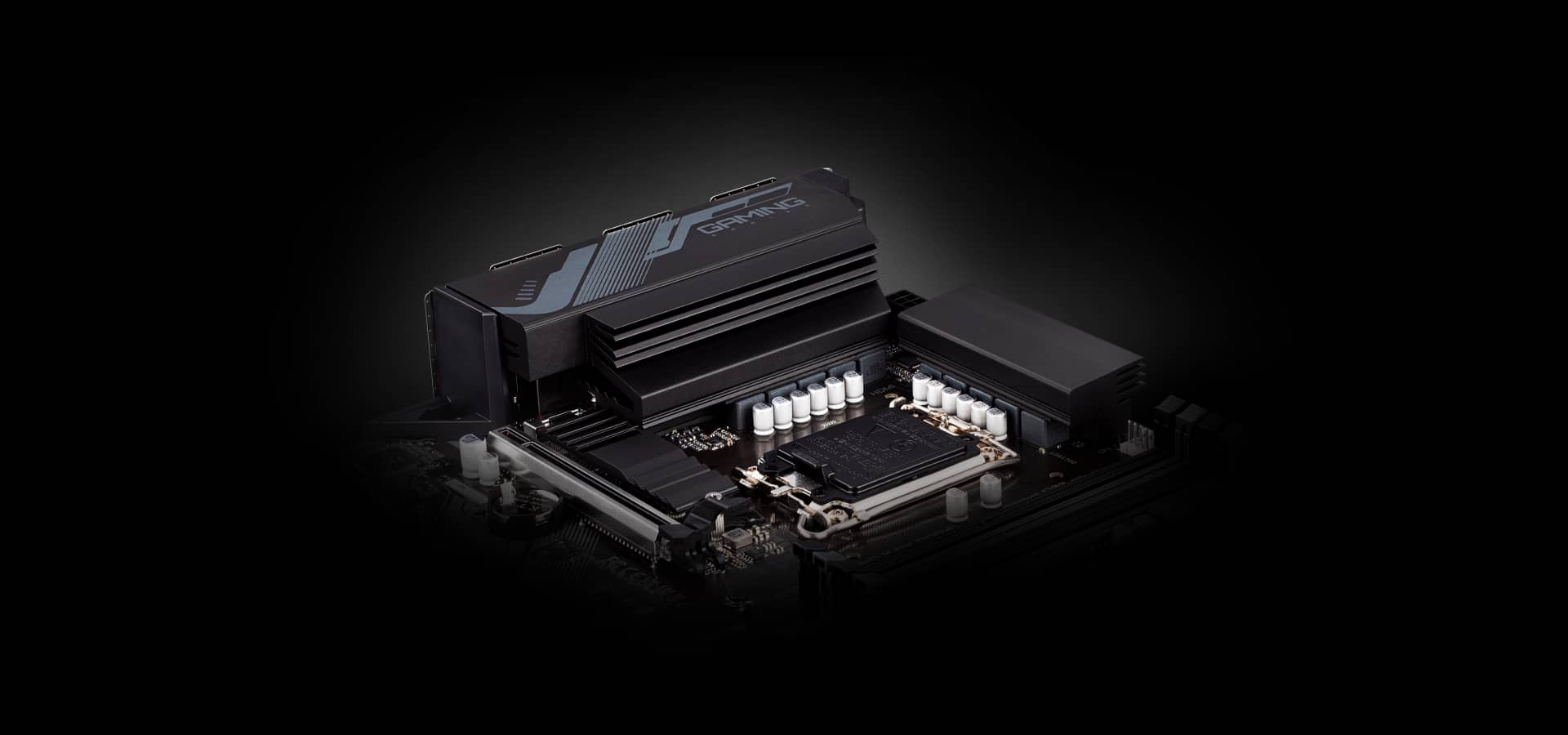
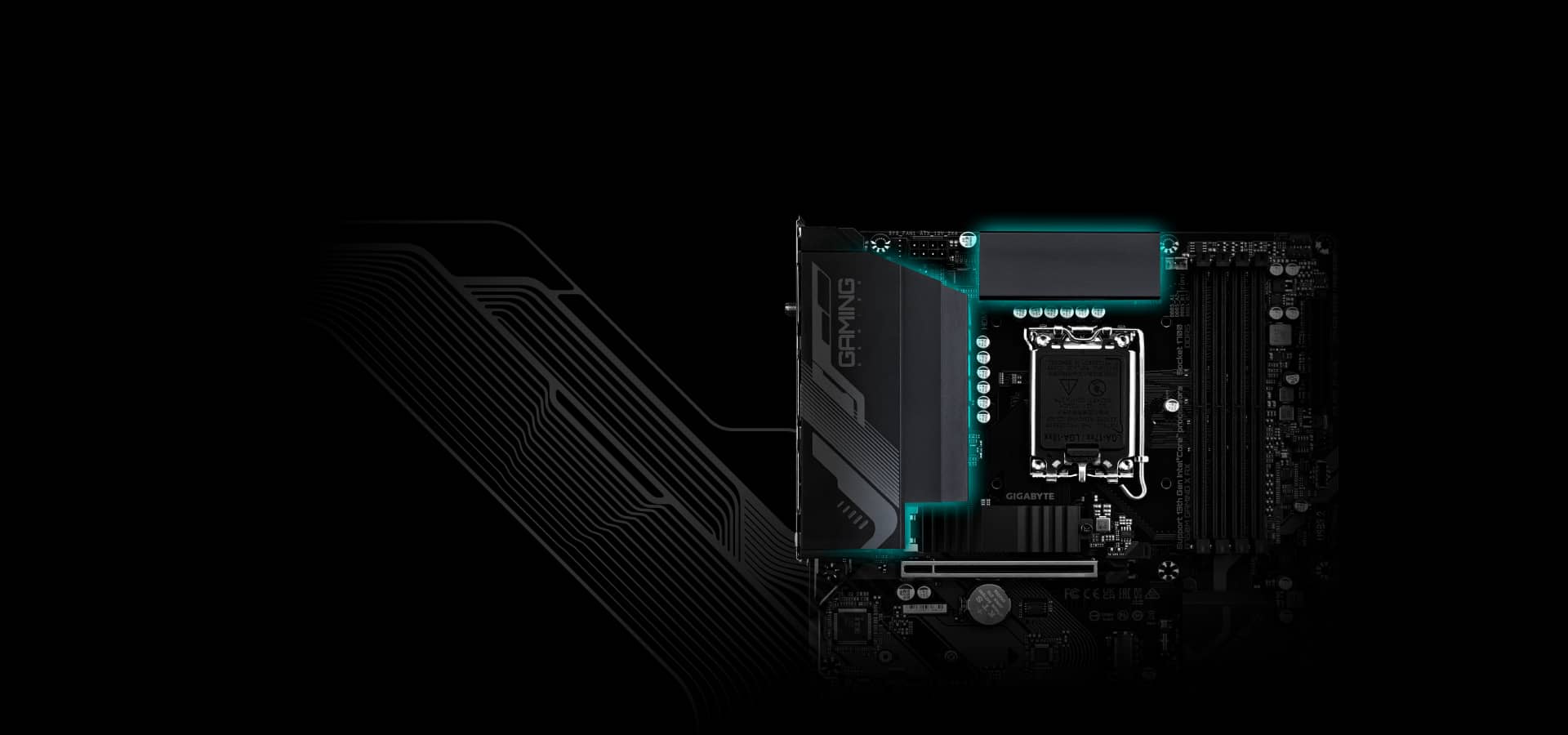
GIGABYTE Motherboards' Un-throttled performance is guaranteed by innovative and optimized thermal design to ensure the best CPU, Chipset, SSD stability and low temperatures under full load application and gaming performance.
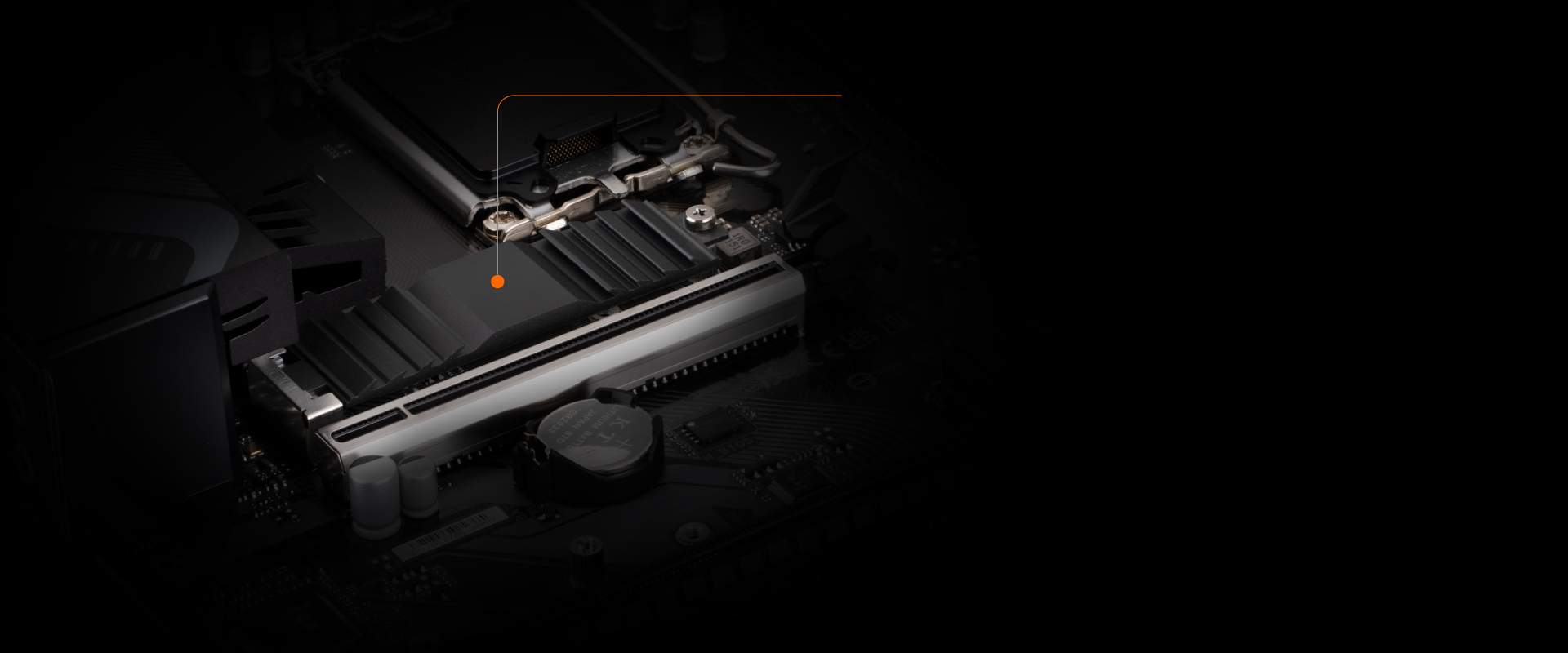
M.2 Thermal Guard
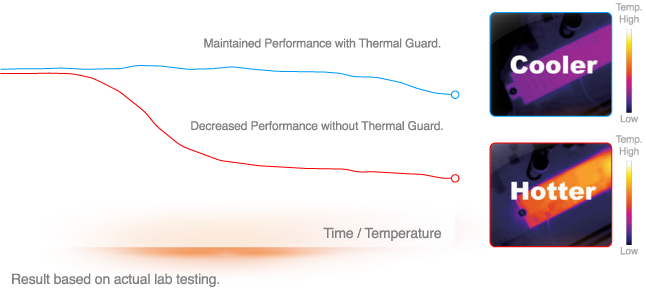
With durability in mind, GIGABYTE provides a thermal solution for M.2 SSD devices. The M.2 Thermal Guard prevents throttling and bottlenecks from high speed M.2 SSDs as it helps to dissipate heat before it becomes an issue.
Thermal Throttling As Temperature Rises
SMART FAN 6
Smart Fan 6 contains several unique cooling features that ensure gaming PC maintain its performance while staying cool and quiet. Multiple fan headers can support PWM/DC fan and pump, and users can easily define each fan curve based on different temperature sensors across the board via intuitive user interface.
Cooling Features
High Current Support
Each fan headers support PWM and DC fan and Water Cooling Pump , and up to 24W (12V x 2A) with Over-Current Protection
Precision Control
Multiple temperature/fan speed control points for precise fan curve
Dual Curve Mode
Slope/Stair dual mode for different user scenario
Fan Stop
Fan can stop completely below users' specified temperature point
Smart Fan 6 BIOS UI
Improve fan curve UI
We increase control points from 5 to 7 and larger fan speed graph for precise and easier fan curve control.
Slope/Stair dual graph mode
Fan curve can be quickly switch with Slope and Stair modes for different user scenario. Slope is traditional and intuitive linear fan speed curve. With newly added Stair non-linear mode, fan keeps at same speed between specified temperature interval.
Manual Input
For advanced users, we provide fan speed manual input for more precise control.
EZ Tuning
Use can place 4 EZ Tuning points at rough temperature/fan speed, and Smart Fan 6 can quickly generate a fan curve.
Fan curve profile
Fan curve profile can be saved in BIOS ROM, profile will be kept after updating BIOS.
Note: The picture is for reference and may vary by model.
802.11ax Wi-Fi 6E
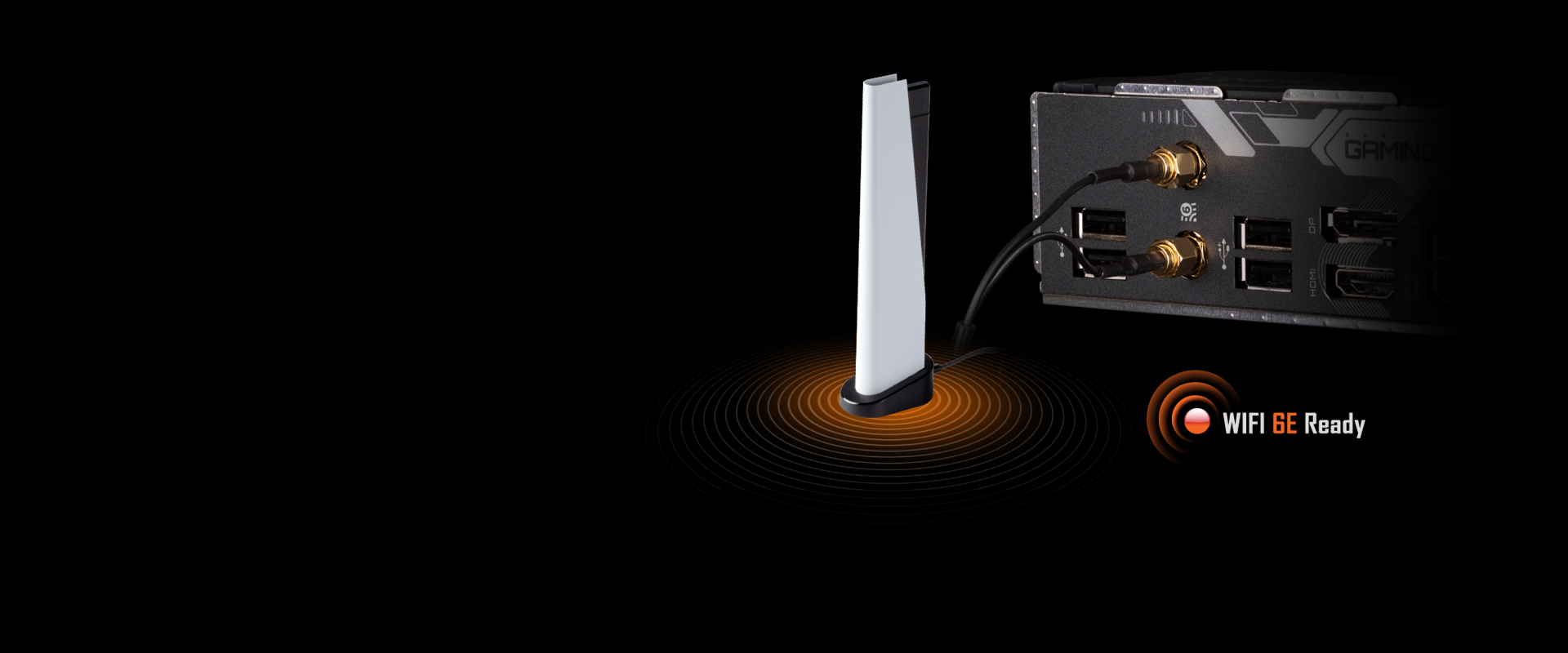
Latest Wireless solution 802.11ax Wi-Fi 6E with new dedicated 6GHz band, enables gigabit wireless performance, provides smooth video streaming, better gaming experience, few dropped connections and speeds up to 2.4Gbps*. Moreover, Bluetooth 5 provides 4X range over BT 4.2 and with faster transmission.
Benefit of Wi-Fi 6E
- Dedicated spectrum in 6GHz band for less interference
- 5.5X throughput than 802.11ac 1x1*
- 4X better network capacity, no traffic jams especially in those dense area with lots of devices
- Network efficiency increase for better user experience
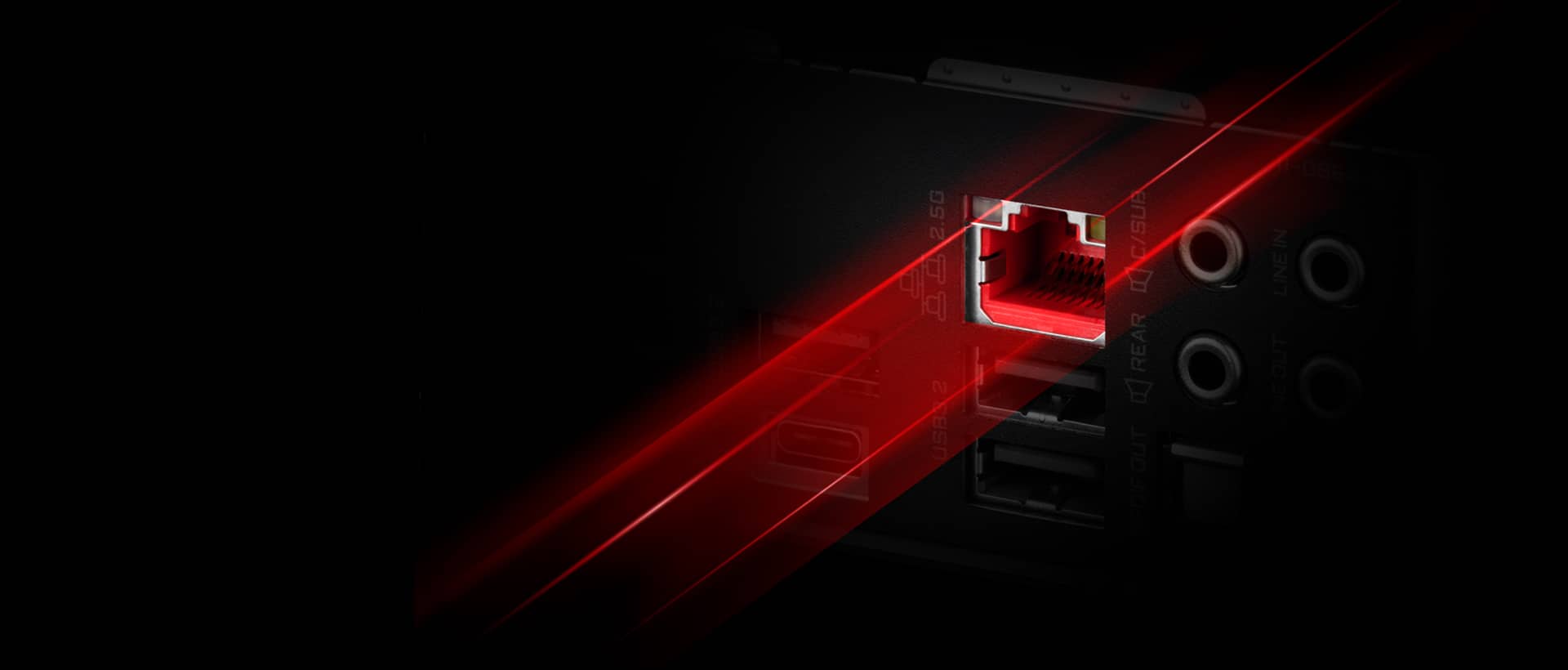
First adopter on 2.5GbE LAN onboard
2X Faster than ever
- Adoption of 2.5G LAN provide up to 2.5GbE network connectivity, with at least 2 times faster transfer speeds compared to general 1GbE networking, perfectly designed for gamers with ultimate online gaming experience.
- Support Multi-Gig(10/100/1000/2500Mbps) RJ-45 Ethernet
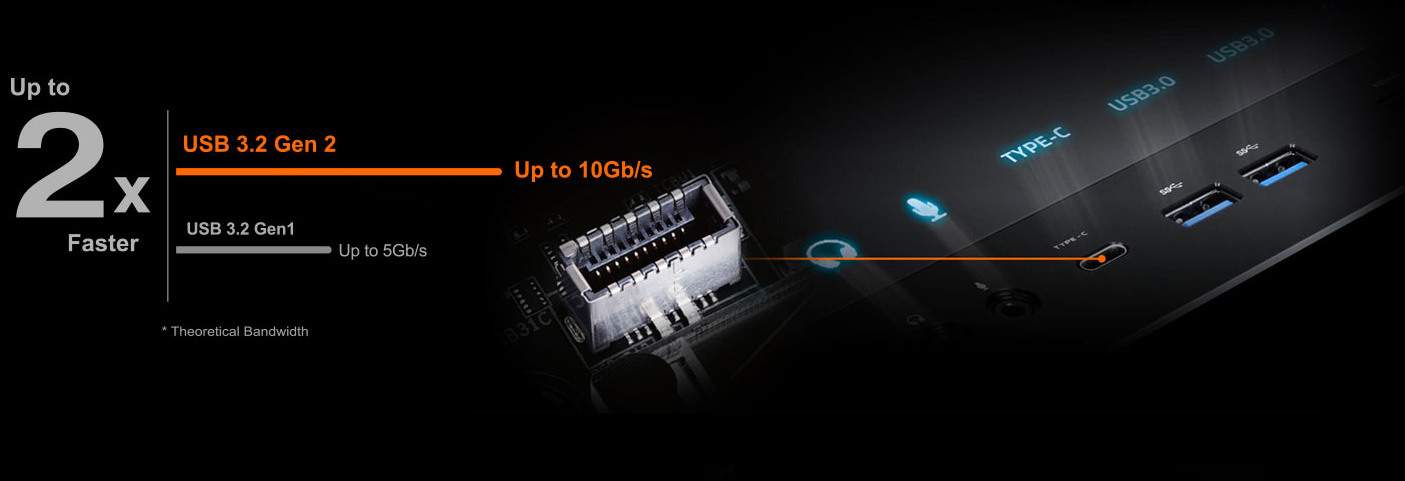
Connecting the Future - Front USB3.2 Gen 2 Type-C®
USB 3.2 Gen 2 provides USB 3.2 Gen 2 ports with speeds up to 10Gbps. With twice the bandwidth compared to its previous generation as well as backwards compatibility with USB 2.0 and USB 3.2 Gen1, the much improved USB 3.2 Gen 2 protocol is available over the new reversible USB Type-C™ and the traditional USB Type-A connector for better compatibility over a wider range of devices.
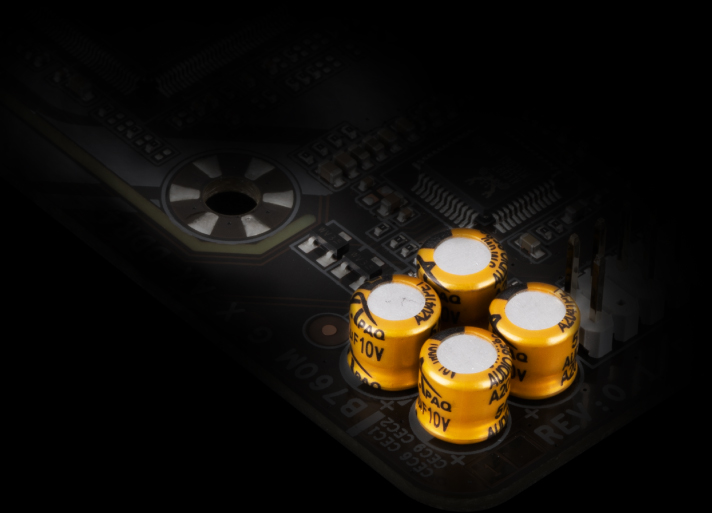
High-End Audio Capacitors
GIGABYTE motherboards use high-end audio capacitors. These high quality capacitors help deliver high resolution and high fidelity audio to provide the most realistic sound effects for gamers.
Audio Noise Guard
GIGABYTE motherboards feature an audio noise guard that essentially separates the board’s sensitive analog audio components from potential noise pollution at the PCB level.
Friendly User Interface
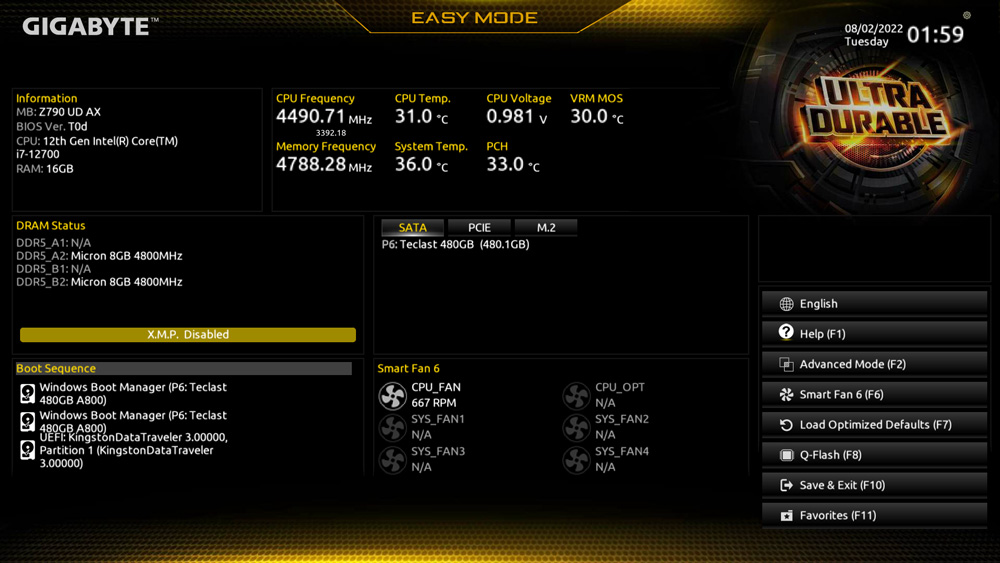
The EASY MODE shows important hardware information in one page including CPU clock, Memory, Storage, Fan.
My Favorites
Add constantly used items into the favorite menu for quick access.
Storage Information
Show all kinds of storage information including SATA, PCIE and M.2 interface.
Changelog
List all changes before saving and exiting bios. Quickly review overall settings modification.
Intuitive Load Line Curve
Clearly show each loadline calibration setting in an intuitive curve graph.
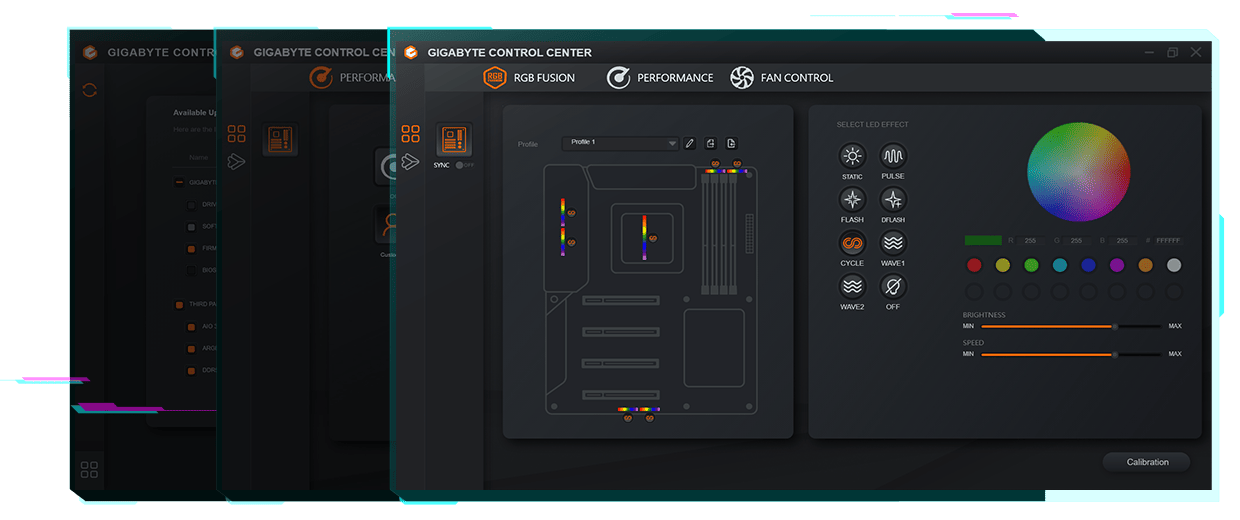
GIGABYTE CONTROL CENTER (GCC) is a unified software for all GIGABYTE supported products. It provides newly designed intuitive user interface to control all essential function.
- Unified software platform for all Gigabyte supported products
- Intuitive user interface for an eased experience
- Modularized control components only for installed hardware
- Auto update function to keep system up to date and support future products
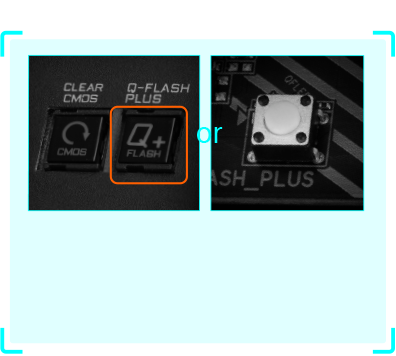
Q-Flash Plus
Update the BIOS easily without installing the CPU, memory and graphics card.
With GIGABYTE Q-Flash Plus, you don't need to install the CPU, memory and graphics card nor enter the BIOS menu to flash the BIOS. Just download and save a new BIOS file (rename to gigabyte.bin) on the USB flash drive, then press the dedicated Q-Flash Plus button and you’re good to go!