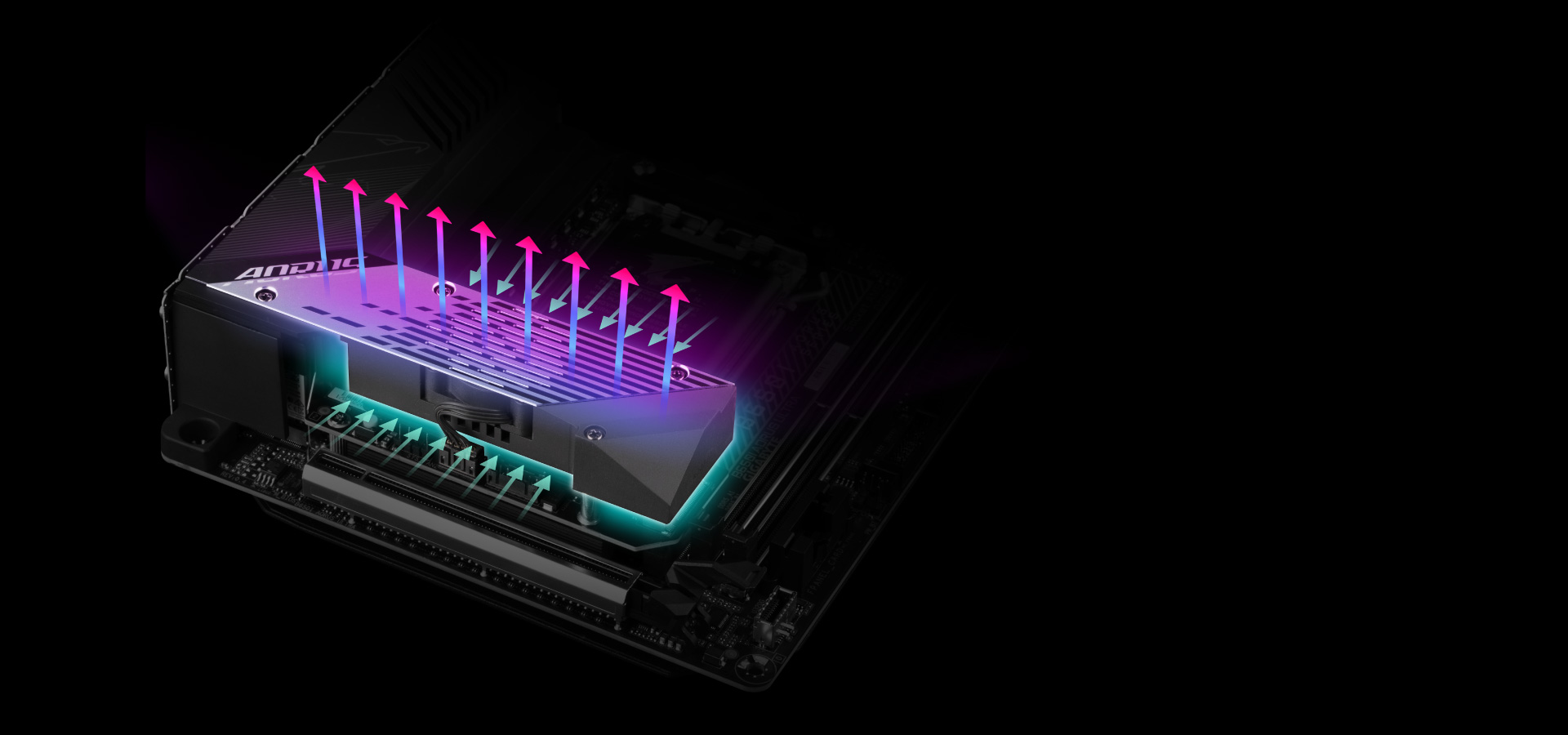
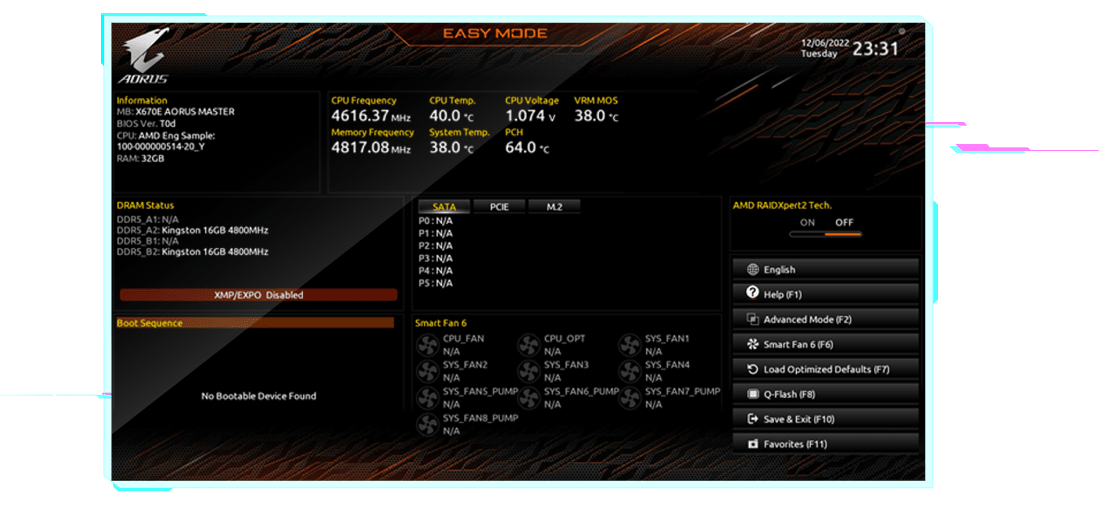
Smart Fan 6 contains several unique cooling features that ensure gaming PC maintain its performance while staying cool and quiet. Multiple fan headers can support PWM/DC fan and pump, and users can easily define each fan curve based on different temperature sensors across the board via intuitive user interface.
802.11ax Wi-Fi 6E
The latest Wireless solution 802.11ax Wi-Fi 6E with new dedicated 6GHz band, enables gigabit wireless performance, provides smooth video streaming, better gaming experience, few dropped connections and speeds up to 2.4Gbps. Moreover, Bluetooth 5 provides 4X range over BT 4.2 and with faster transmission.
Smart Antenna
- 2X signal strength compared to traditional antenna design.
- AORUS Antenna with smart antenna function for the best WIFI signal transmitting.
First adopter on 2.5GbE LAN onboard
2X Faster than ever
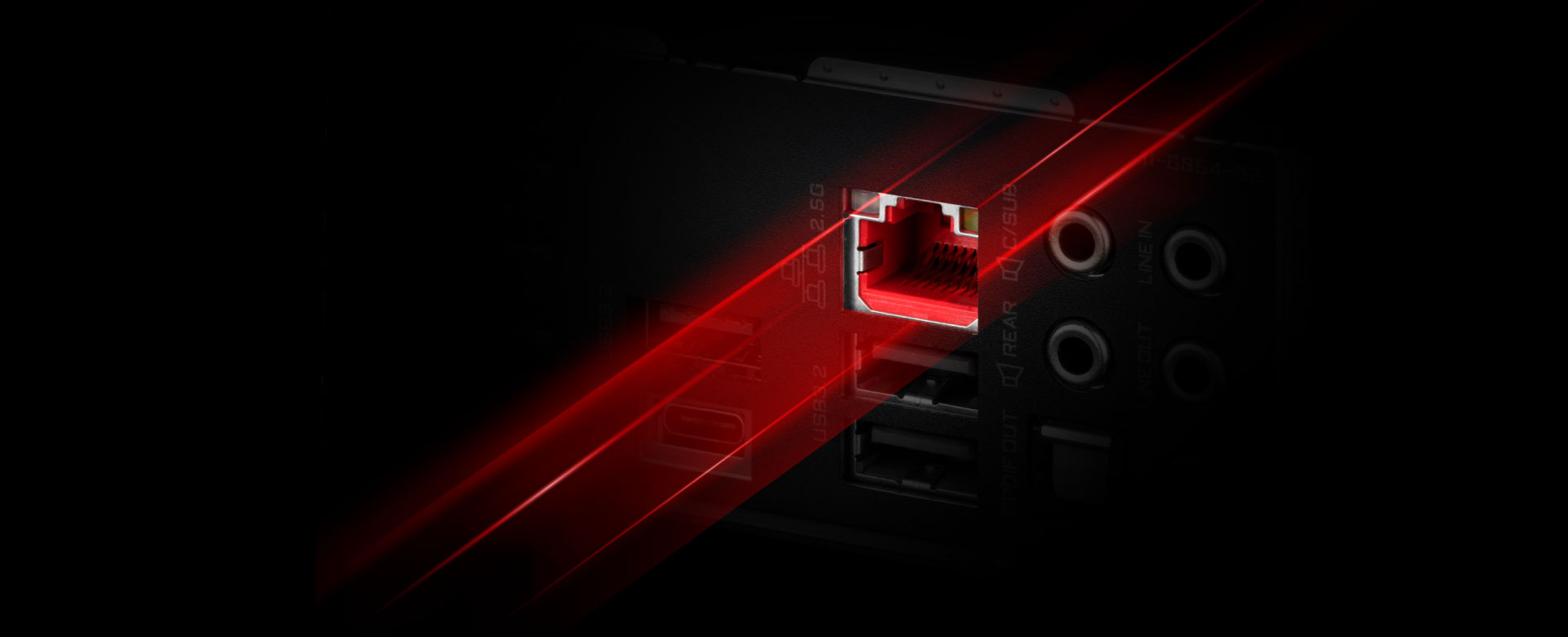
- Adoption of 2.5G LAN provide up to 2.5 GbE network connectivity, with at least 2X faster transfer speeds compared to general 1GbE networking, perfectly designed for gamers with ultimate online gaming experience.
- Support Multi-Gig(10/100/1000/2500Mbps) RJ-45 Ethernet
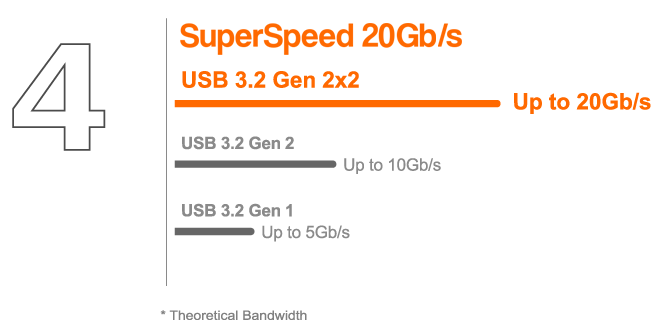
Connecting the Future - Front USB 3.2 Gen 2x2 Type-C®
Featuring the USB 3.2 Gen 2x2 design which is doubled the performance than previous generation of USB 3.2 Gen 2. It works up to 20Gbps ultra-fast data transfer while connecting to USB 3.2 compliant peripherals. Through the USB Type-C® connector, users can enjoy the flexibility of reversible connection to access and store massive amounts of data rapidly.
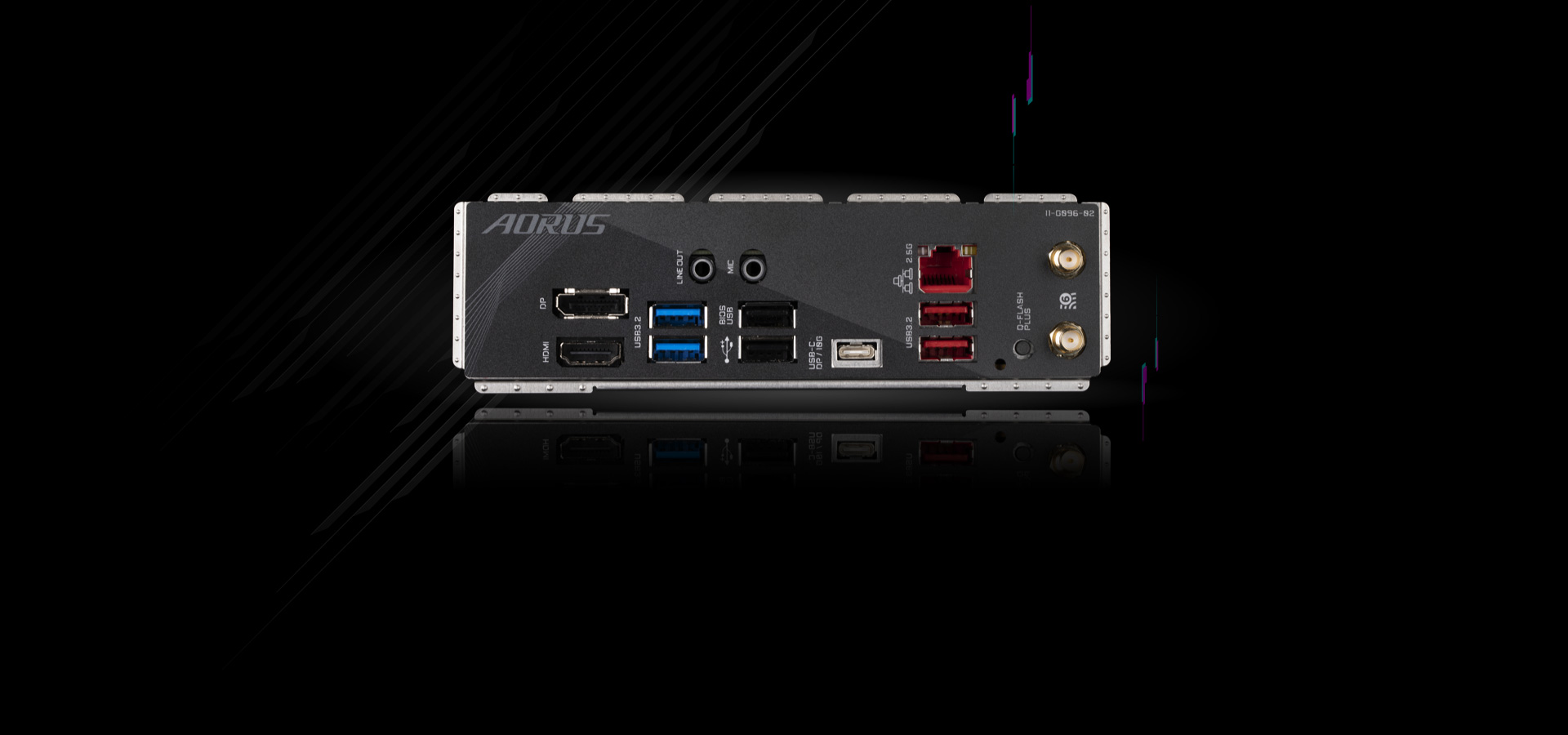
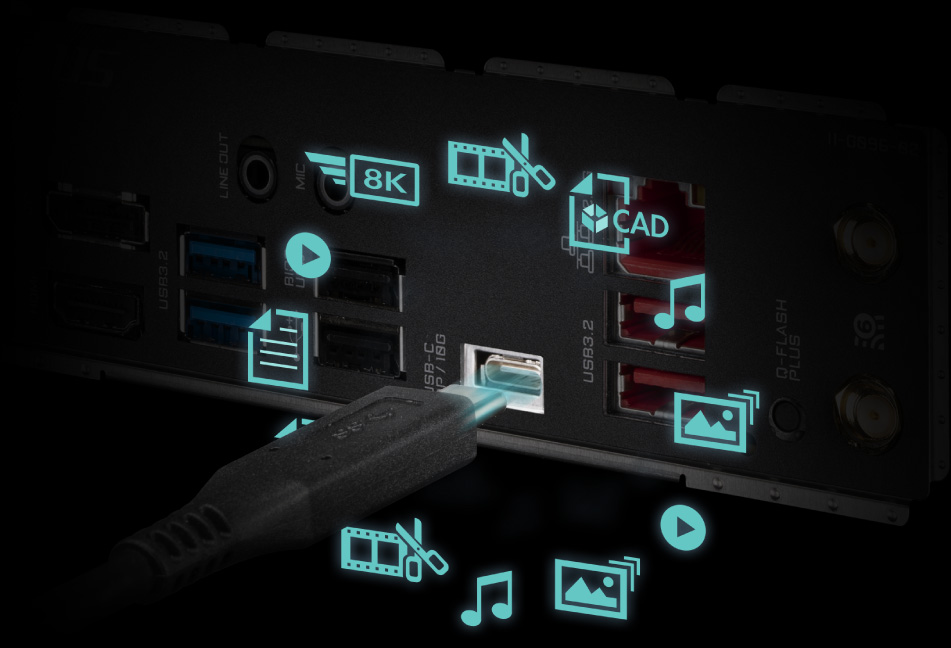
Rear USB 3.2 Gen 2 Type-C® with DisplayPort™ Alternate Mode
DisplayPort™ over USB Type-C® enables the delivery of full DisplayPort A/V performance (driving monitor resolutions of 4K and beyond), SuperSpeed USB (USB 3.2 Gen 2) 10Gbps data transition and power delivery with the convenience of reversible plug orientation and cable direction.
True High-Fidelity Music (Realtek ALC4080)
Paired with Realtek's latest ALC4080 Codec, playback for surround sound audio and DSD enabled music are easier than ever.
DTS :X® Ultra
Recreates an authentic, spatially accurate 3D audio experience for gaming over any headphones or speakers. Supports channel-based, scene based and object-based audio. Provides out-of-the-box calibration for a range of headphones and speakers. Provides post-processing enhancements and device level tuning for DTS® codecs.
DTS Sound Unbound* leverage Microsoft Spatial, enabling the the most believable, 3D audio experience for games. Immersion through DTS Headphone:X means in the sonic landscape, stationary and moving sounds can be heard from above, below or around the listener. Sounds pass around the listener with amazing externalization and accurate localization.
PERSONALIZATION
GIGABYTE motherboards bundle several useful and intuitive software to help users to control every aspect of motherboard and provide customizable lighting effect with outstanding aesthetics to fit your unique personality.
Friendly User Interface
The EASY MODE shows important hardware information in one page including CPU clock, Memory, Storage, Fan.
My Favorites
Add constantly used items into the favorite menu for quick access.
Storage Information
Show all kinds of storage information including SATA, PCIE and M.2 interface.
Changelog
List all changes before saving and exiting bios. Quickly review overall settings modification.
Intuitive Load Line Curve
Clearly show each loadline calibration setting in an intuitive curve graph.
GIGABYTE CONTROL CENTER (GCC) is a unified software for all GIGABYTE supported products. It provides newly designed intuitive user interface to control all essential function.
- Unified software platform for all Gigabyte supported products
- Intuitive user interface for an eased experience
- Modularized control components only for installed hardware
- Auto update function to keep system up to date and support future products
Multi-key
A multi-function reset button that can be reconfigured to other function in BIOS for different user scenarios.

-
RGB Switch
Turn off all lighting effect on motherboard.
-
Direct-To-BIOS
Boot into BIOS menu directly without pressing any keyboard button.
-
Safe Mode
Boot into BIOS safe mode to change specific option without losing other BIOS settings.
* Photo for reference only.
ULTRA DURABLE
GIGABYTE Ultra Durable™ design provides product durability and high-quality manufacturing process. GIGABYTE motherboards use the best components and reinforce every slots to make each of them solid and durable.
Q-Flash Plus
Update the BIOS easily without installing the CPU, memory and graphics card.
With GIGABYTE Q-Flash Plus, you don't need to install the CPU, memory and graphics card nor enter the BIOS menu to flash the BIOS. Just download and save a new BIOS file (rename to gigabyte.bin) on the USB flash drive, then press the dedicated Q-Flash Plus button and you’re good to go!