Friendly User Interface
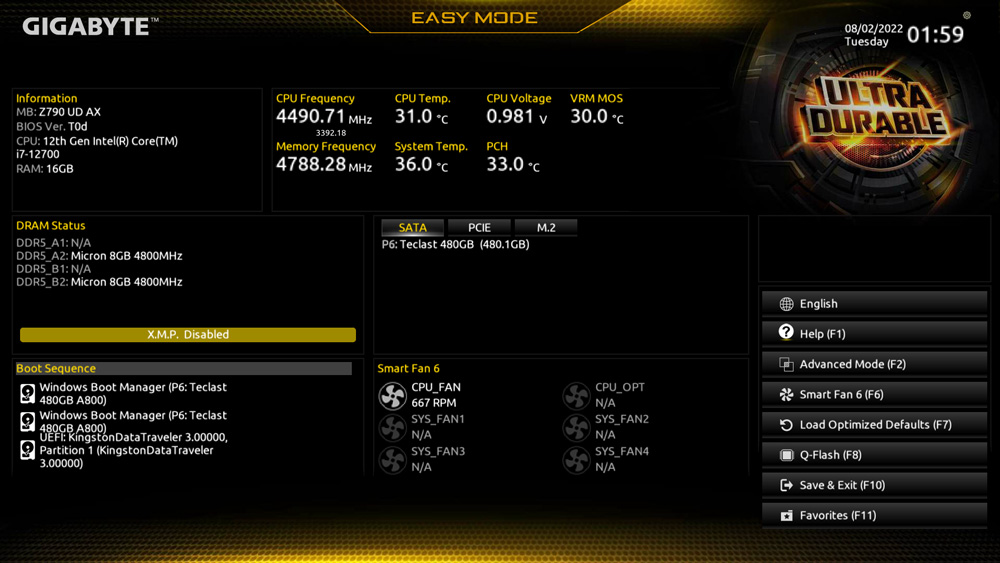
The EASY MODE shows important hardware information in one page including CPU clock, Memory, Storage, Fan.
My Favorites
Add constantly used items into the favorite menu for quick access.
Storage Information
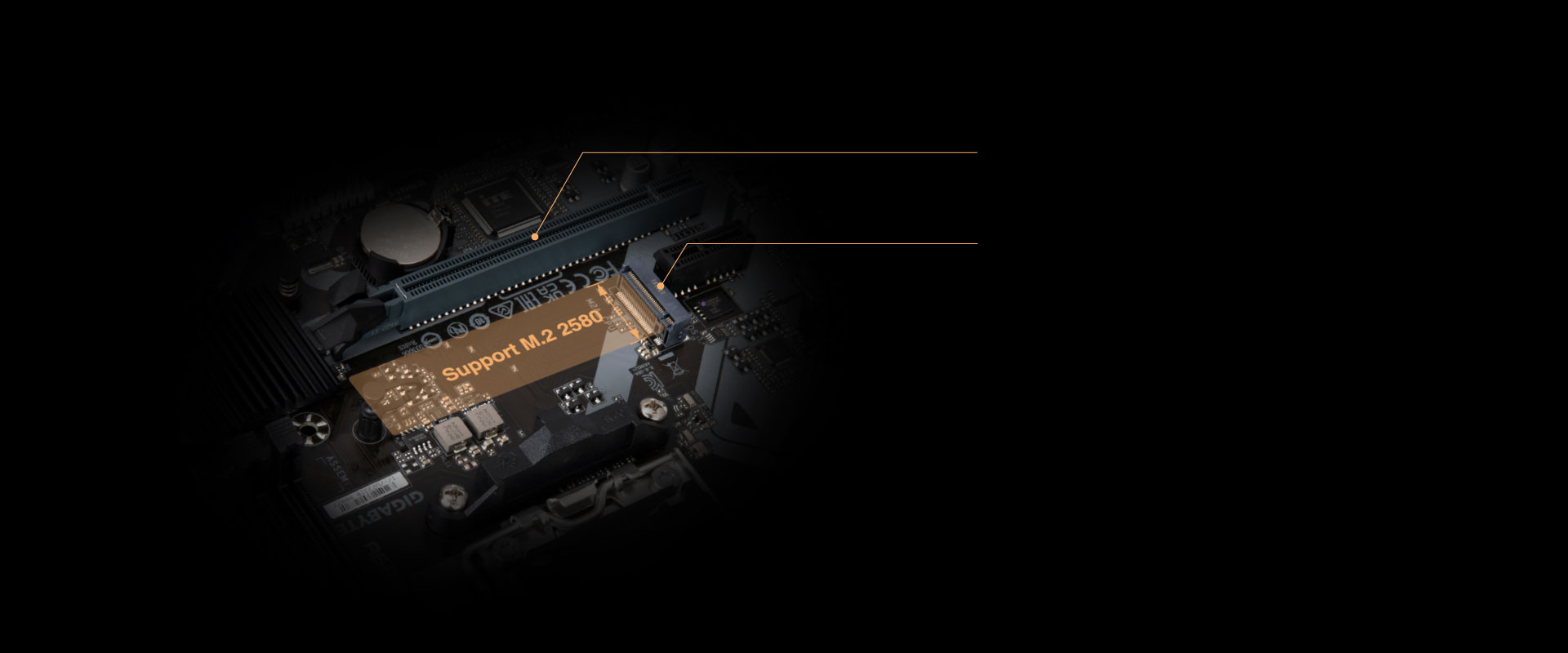
Show all kinds of storage information including SATA, PCIE and M.2 interface.
Changelog
List all changes before saving and exiting bios. Quickly review overall settings modification.
Intuitive Load Line Curve
Clearly show each loadline calibration setting in an intuitive curve graph.
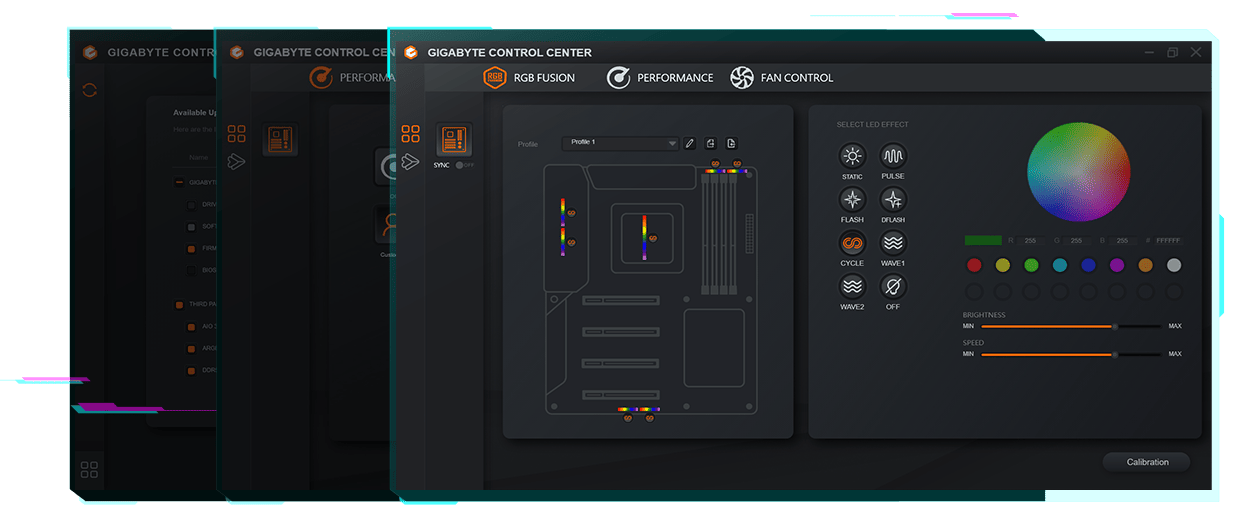
GIGABYTE CONTROL CENTER (GCC) is a unified software for all GIGABYTE supported products. It provides newly designed intuitive user interface to control all essential function.
- Unified software platform for all Gigabyte supported products
- Intuitive user interface for an eased experience
- Modularized control components only for installed hardware
- Auto update function to keep system up to date and support future products
Q-Flash Plus
Update the BIOS easily without installing the CPU, memory and graphics card.
With GIGABYTE Q-Flash Plus, you don't need to install the CPU, memory and graphics card nor enter the BIOS menu to flash the BIOS. Just download and save a new BIOS file (rename to gigabyte.bin) on the USB flash drive, then press the dedicated Q-Flash Plus button and you’re good to go!