Welcome to Computech Store | Cash on Delivery (COD) ❌ Not Available | Flexible EMI Finance Options Available | Shipping All Over India | B2B Billing Available | 100% New Genuine & Original Products
Optimize eye comfort with ComfortView Plus � an always on built-in low blue light screen that reduces harmful blue light emissions
Vibrant color and get a wide color coverage including 100% sRGB, 100% Rec.709 and 85% DCI-P3. In-Plane Switching (IPS) technology delivers consistent color and picture quality across a wide 178�/178� viewing angle
Experience a seamless view across multiple monitors with virtually borderless InfinityEdge
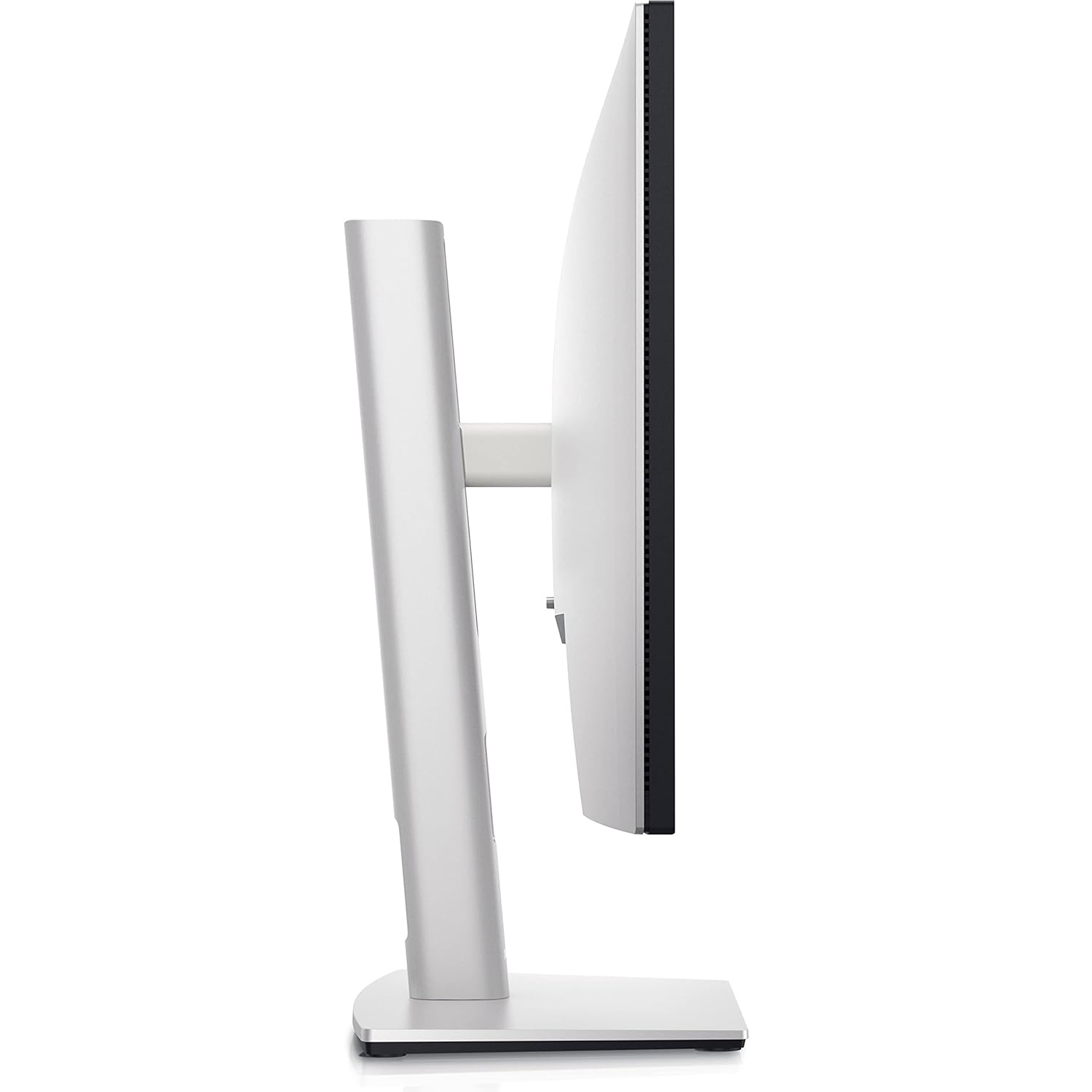
Tilt, swivel, pivot and adjust the height of your monitor to a maximum of 150mm for optimal viewing comfort.
Connect to a variety of devices with extensive connectivity ports, including super speed USB 10Gbps
U2422H Optimize eye comfort with ComfortView Plus � an always on built-in low blue light screen that reduces harmful blue light emissions
Vibrant color and get a wide color coverage including 100% sRGB, 100% Rec.709 and 85% DCI-P3. In-Plane Switching (IPS) technology delivers consistent color and picture quality across a wide 178�/178� viewing angle
Experience a seamless view across multiple monitors with virtually borderless InfinityEdge
Tilt, swivel, pivot and adjust the height of your monitor to a maximum of 150mm for optimal viewing comfort.
Connect to a variety of devices with extensive connectivity ports, including super speed USB 10Gbps
USB 3.2 Gen 2
Doubling the speed of its predecessor, USB 3.2 Gen 2 features a maximum throughput of 10 Gb/s when used with compatible devices and is synonymous with USB 3.1 Gen 2.
Designed with Wellness in Mind
Optimize eye comfort with ComfortView Plus, an always-on and built-in low blue light screen that reduces blue light emissions while delivering accurate color.
Consistent Color
Get a wide range of colors of 100% sRGB, 100% Rec.709, and 85% DCI-P3 gamut coverage.
In-Plane Switching (IPS) Screen Technology
See consistent color and picture quality across wide 178° horizontal and vertical viewing angles.
Detailed View
Take advantage of detailed views thanks to the 1920 x 1080 Full HD resolution of the 23.8" screen.
InfinityEdge
Expand your view with virtually borderless InfinityEdge design. With a four-sided, ultrathin bezel, you can work with a clear edge-to-edge display. Use the daisy-chain feature for a seamless multi-monitor setup.
Boost Productivity
Increase your productivity by up to 21% when you use two monitors together. The Onscreen Menu Display (OSD) settings from one monitor can be synchronized across connected monitors for easy multi-monitor setup.
Connectivity Options
Connect via DisplayPort or HDMI inputs. Use the USB Type-C to A cable to enable the integrated hub. Ports at the front of the monitor allow convenient connection to peripherals and mobile phone charging with up to 45W via USB Type-C.
Space-Saving Design
This monitor comes with a small base and an improved cable management design that hides cables in the monitor riser for a clutter-free desk space. Navigate and adjust your monitor screen settings with the easy-to-use joystick control.
Moves with You
Achieve optimal viewing comfort thanks to the tilting, swiveling, rotating, and height-adjusting design.
Environmental Standards
This monitor is made of 85% post-consumer recyclable plastic (PCR) and meets the latest environmental standards such as ENERGY STAR and TCO Certified Edge, and is EPEAT Gold registered.
Eco-Conscious Packaging
To reduce its manufacturing impact on the environment, this monitor is shipped Styrofoam-free and the packaging is made with at least 75% recycled cardboard.
Energy Conservation
Save energy when your monitor is not in use with PowerNap, a feature that dims or puts your monitor to sleep when it's not in use.
Easy Arrange
Easy Arrange allows you to easily tile multiple applications across one or more screens with 38 preset window partitions and the ability to personalize up to five windows, giving you improved multitasking abilities.
Seamless Transitions
The auto-restore feature remembers where you left off, so applications will go back to where you left them, even after you've unplugged.
More Ways to Manage
Asset management reports allow IT managers to quickly capture and track monitor information as well as configure multiple monitors at once through a single setup.
Key to Convenience
Shortcut keys can save you even more time, letting you easily configure your display management settings so you can get to work faster.