Compare
Products
Products

No reviews yet. Be the first to review!
Before proceed to checkout you must add some products to shopping cart.You will find a lot of interesting products on our 'Shop' page.



BenQ empowers creative professionals with AQCOLOR technology to help inspire ideas and make projects come to life.
BenQ DesignVue monitors feature meticulous factory calibration, so designers make full use of total display color accuracy from the get go.
The monitor ships from the factory with default color settings that perfectly match Mac® and MacBook® Pro laptop colors. Exclusive M-Book mode provides active color syncing, creating an additional layer of color precision assurance. Mac® and MacBook® are trademarks of Apple Inc.
The ICCsync feature in Display Pilot 2 software automatically matches and synchronizes ICC profiles on the monitor when changing color modes and also between your Mac and BenQ monitor. All of this is done instantly.
PD2706U also features Pantone and Pantone SkinTone validation, appealing to professionals who need a display that achieves utmost authenticity when showing real-world colors.
Go digital with BenQ, the first brand to work with Pantone on a mobile app. As an existing owner or a new purchaser of BenQ professional monitors, you get one year of free Pantone Connect Premium for digitally mobile color consistency and accuracy.
BenQ Display Pilot offers keyboard shortcuts to access OSD (on-screen display) adjustments for different functions, including color mode switching and more.
Usually, syncing color profiles between your monitor and laptop takes an exhausting amount of fiddling with settings. BenQ Display Pilot and BenQ ICCsync free you from this hassle.
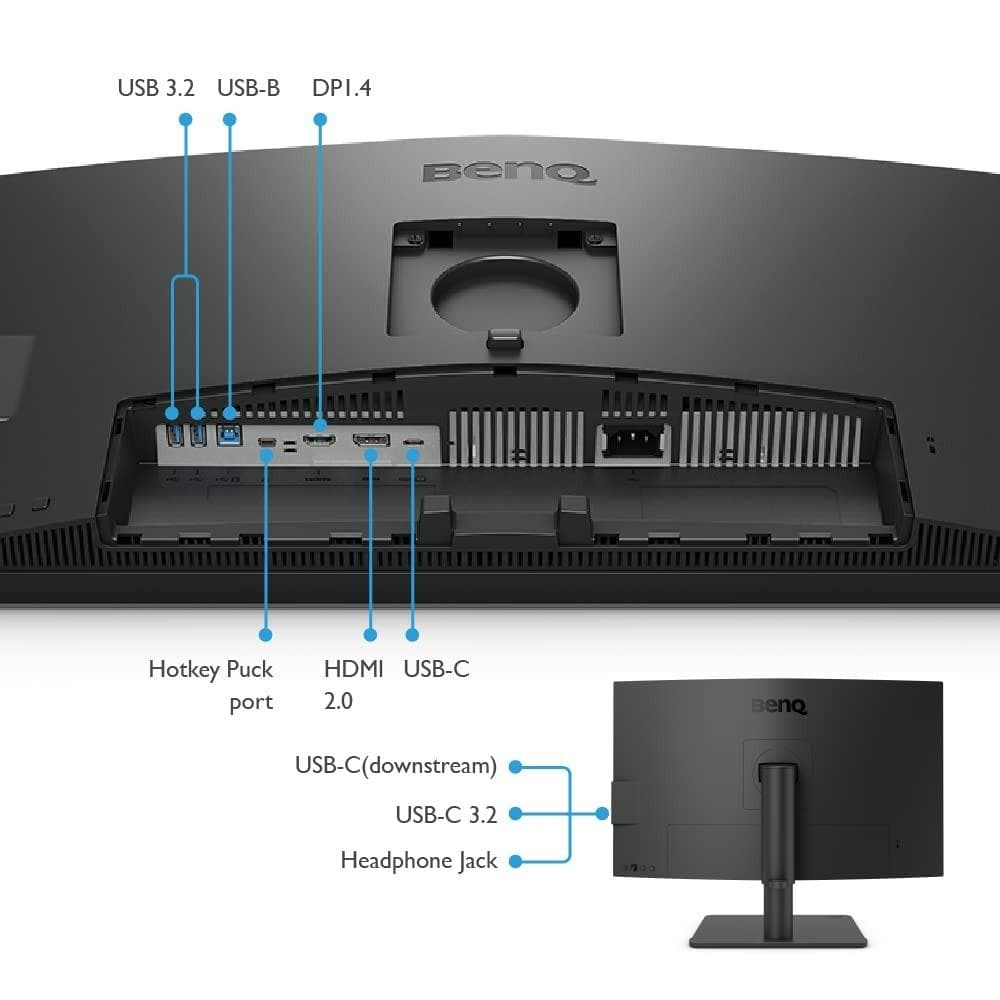
90W USB-C carries images, videos, and other data seamlessly plus charges your mobile devices at the same time all with one cable.
With built-in KVM (keyboard, video, mouse) switch functionality, PD2706U allows users to control two systems from one keyboard and mouse set. Click to switch between systems via Hotkey Puck G2 to boost efficiency.
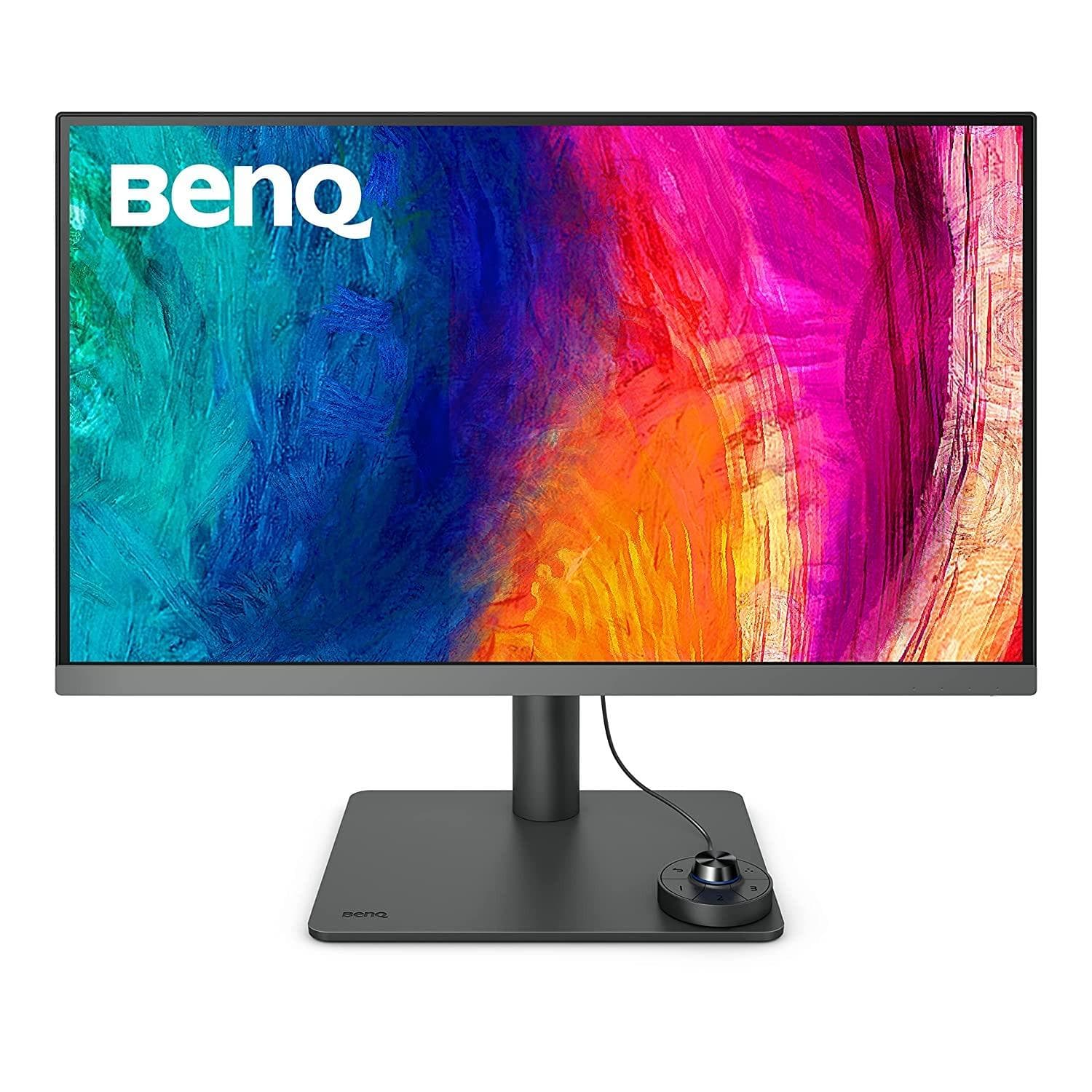
BenQ Hotkey Puck G2 offers users the flexibility to customize and access their most-used features. Press and switch the dial to access brightness, contrast, and volume adjustment, plus assign shortcuts to feature sets using the three function keys. Additionally, the rotation key allows users to assign custom shortcuts to settings.
Go split screen. Picture In Picture (PIP) and Picture By Picture (PBP) let you customize your workflow.
Delivering corner-to-corner authentic colors and consistent luminescence. The display is divided into hundreds of sub-regions and rigorously fine-tuned for precision. This innovative tech assures ultra-dependable image fidelity.
BenQ prioritizes eco-friendly practices in our product development, underlining our commitment to sustainability. BenQ Professional Monitors incorporate eco-friendly technology, recycled materials, and energy-efficient design.
DisplayHDR 400 offers better results more when you work on designs with better brightness, color uniformity and black level

Showcase designs in two modes side-by-side for improved workflow and enhanced productivity.
Enhance the clarity of dark areas without overexposing bright regions.
Adjust image brightness and contrast for work in dark environments.
Simulates e-book display to read and edit digital publications in comfort.
Get answers to common questions about this product